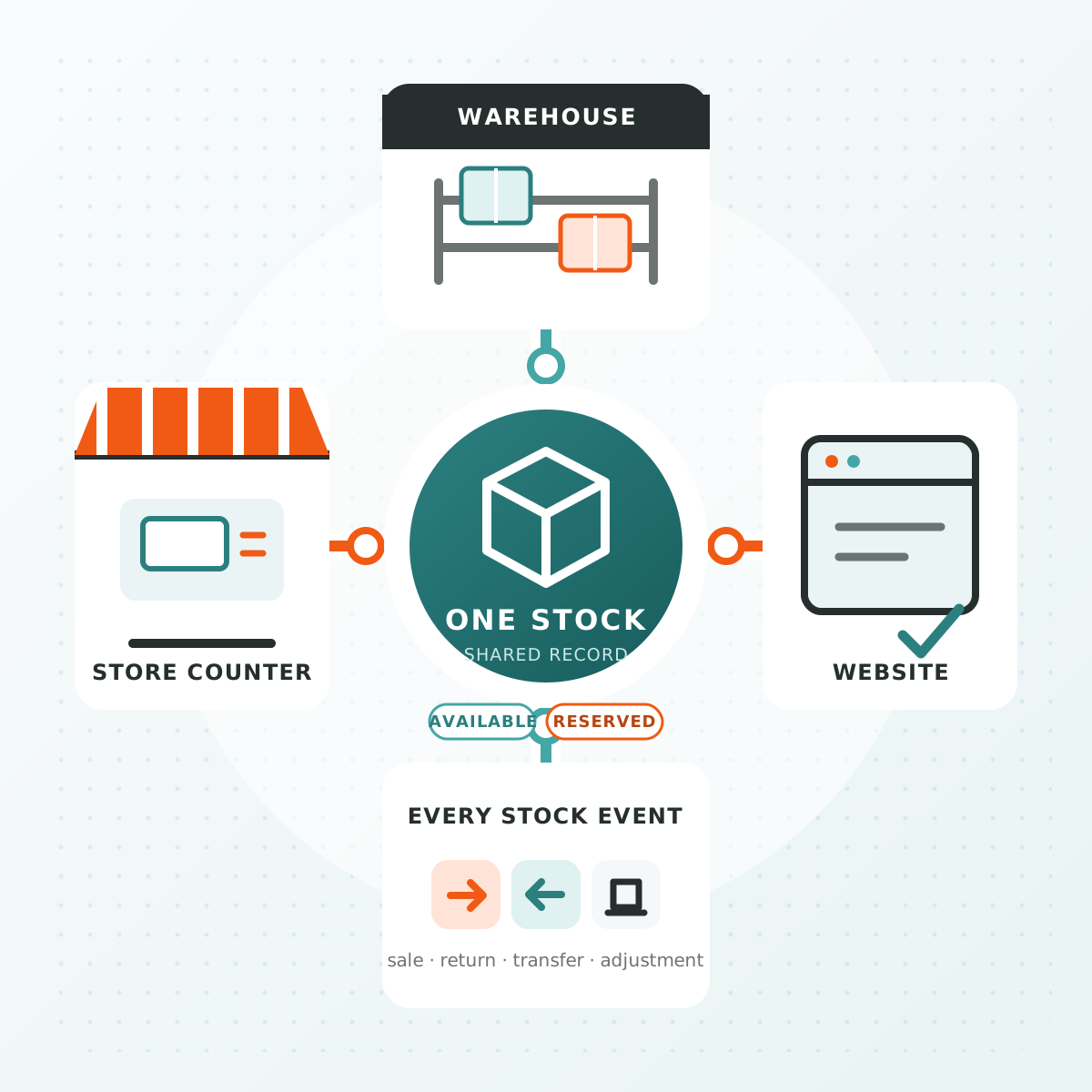
Imagine the last charger in your shop has just sold at the counter. A few minutes later, a website order arrives for that same charger. To avoid promising it twice, counter billing and website orders need to use the same stock records, with both accounting for sales and reservations.
Without that connection, someone has to check other branches, contact the customer and arrange a transfer or refund. One wrong quantity can create work for the store, order-processing and support teams. If the customer cancels, the sale is lost; if you pay for an urgent transfer to save it, the extra cost eats into the profit on that order.
Now picture the working day you're aiming for: staff confirm availability without calling around branches, spend more time serving customers than correcting stock, and fulfil orders without an urgent transfer eating into the margin. Reliable, connected stock records can make those routine decisions easier.
The opportunity goes beyond saving time. Stock in a branch could reach website customers as well as walk-ins. Less duplicate entry could give your team room to handle more orders. And when you add a store or sales channel, you can build on shared product records and stock rules instead of starting another separate reconciliation process.
The connection is easier to understand by following one product through a working day. In the hypothetical example below, a branch sells chargers over the counter and also dispatches website orders. It starts with ten identical, sellable chargers and no reservations. We'll follow what changes as customers buy, cancel and ask for delivery.
A counter sale changes what the website can sell
The first customer buys two chargers at the counter and takes them away. Eight remain. The stock record should now show eight, and the website should no longer offer the two that have left the shop.
If the counter and website keep separate stock counts, the website may still show ten until it receives an update. The cashier's bill can be correct while the online quantity is wrong. That gap matters because the next customer is buying against the website's number, not the cashier's.
Connecting the two starts with matching the product. The charger scanned at the counter must map to the same model and variant online. Once that is in place, the counter sale needs to update the stock used for website orders, without someone entering the sale again.
That removes a repeated task from the team's day. Instead of copying sales into another system and checking for missed entries, staff can spend that time serving customers or preparing orders. As order volumes grow, less re-entry can help the team handle more work before extra administration becomes necessary. Picking, packing and customer service still need enough capacity; the gain is that each sale need not create another manual stock update.
But sales are only the first part of the connection. An online order can change what you can sell before anything leaves the shelf.
An online order holds stock before it leaves the shop
Later, a website customer orders three chargers. For this example, assume the business reserves stock when it accepts the order. The team hasn't packed it yet, so there are still eight chargers on the shelf. Three now belong to an unfulfilled order, leaving five available for another customer.
This is why counting what is physically present is not enough. If the counter continues treating all eight as available, it could sell the three that the online customer is waiting for.
The store team needs to see the reservation, and both the counter and website need to use the remaining five when accepting another sale. Physical stock answers “what is here?” Available stock answers “what can we still sell?” The two numbers can differ without either being wrong.
When that available quantity is reliable, staff have less need to call the warehouse or another colleague before confirming each order. Clear reservations make routine decisions easier: the team can see what is already committed and what is free to sell, rather than reconstructing it from separate orders and messages.
Your business might reserve stock on order placement, payment or acceptance. The important point is to choose that moment deliberately and confirm how the software handles it. In this example, accepting the order is the point at which those three chargers stop being available to everyone else.
That also gives us a clear answer when the customer's plans change.
A cancellation releases stock; it does not receive it again
Suppose the customer cancels before the chargers are dispatched. All eight are still in the shop. Releasing the reservation makes the three chargers available again, taking the sellable quantity from five back to eight.
Nothing needs to be added to physical stock. Treating this cancellation as a receipt of three more chargers would create stock that isn't there. Leaving the reservation in place would cause the opposite problem: three usable chargers would remain unavailable for sale.
Those three chargers have already been bought and paid for by the retailer. If they stay incorrectly reserved, a customer could be turned away while the goods sit on the shelf. Releasing them correctly gives you another chance to sell the stock you already hold, without buying more to replace an apparent shortage.
The order, reservation and stock record therefore need to change together. If the order goes ahead instead, dispatch should reduce the physical quantity and clear its reservation without deducting availability twice.
A return after dispatch is different again. The goods have left the shop, so a refund alone does not tell you whether they are back or fit to sell. Your return process should include receiving and checking them before making them available again.
So far, we've followed stock within one branch. Adding another location introduces one more question: can the stock you can see actually supply this order?
Stock at another branch is not automatically available for delivery
Continuing after the cancellation, the first branch has eight chargers available. Suppose a second branch has four more. The company holds twelve, but the website can only offer all twelve if both branches can supply its orders under your delivery arrangements.
If only the first branch dispatches website orders, the second branch's four chargers should not be included in that website's available quantity. They are real stock, just not stock that can currently fulfil that order.
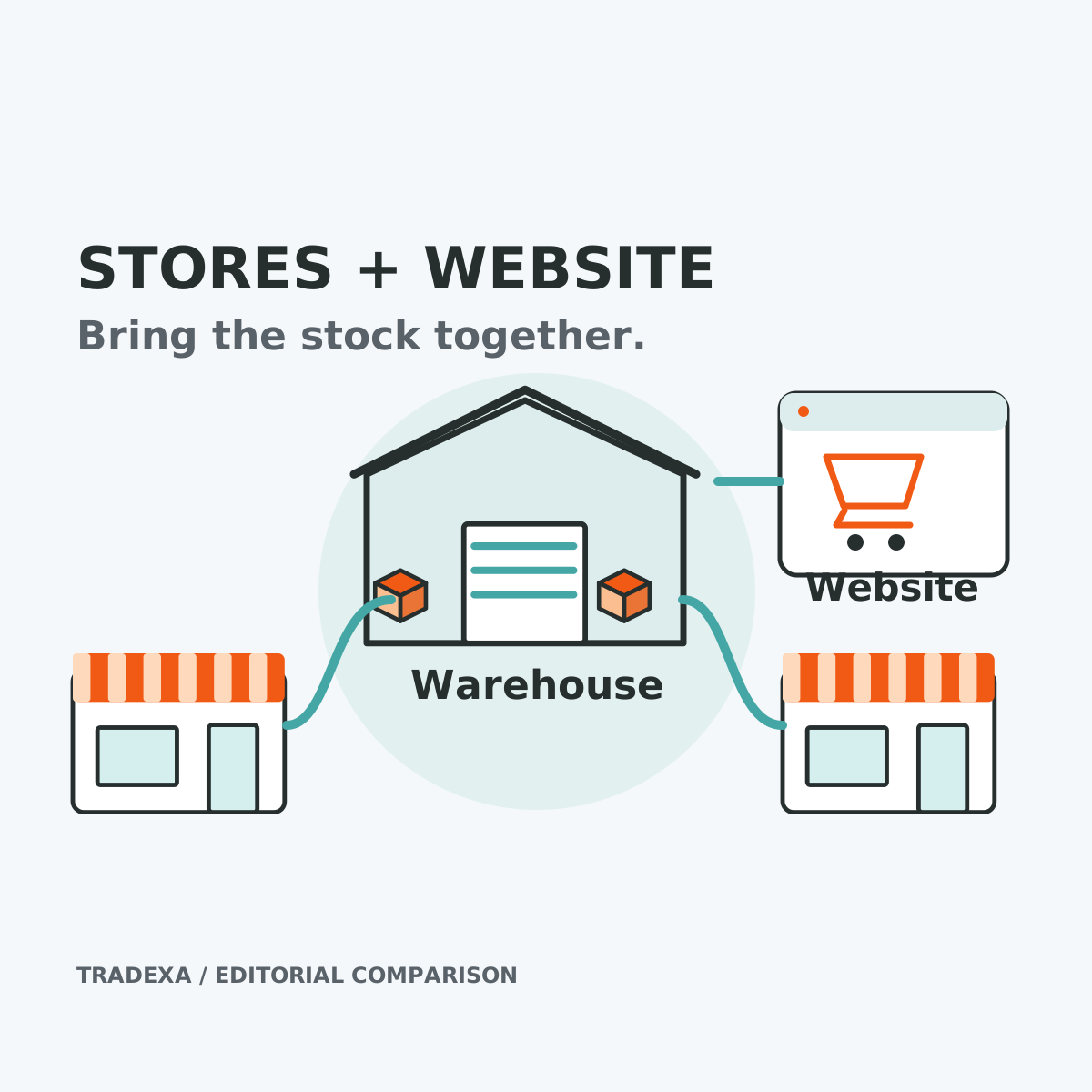
If you equip the second branch to dispatch online orders too, those four chargers could reach customers beyond that shop's walk-in trade. That creates another opportunity to sell stock you already hold. It still needs a reliable picking process, delivery coverage and stock updates—the website should only offer what the branch can fulfil.
You could arrange a transfer. While those chargers are travelling between branches, however, they should not appear ready to sell at both ends. The sending team records what left; the receiving team confirms what arrived. How you offer incoming stock should reflect when you can actually deliver it.
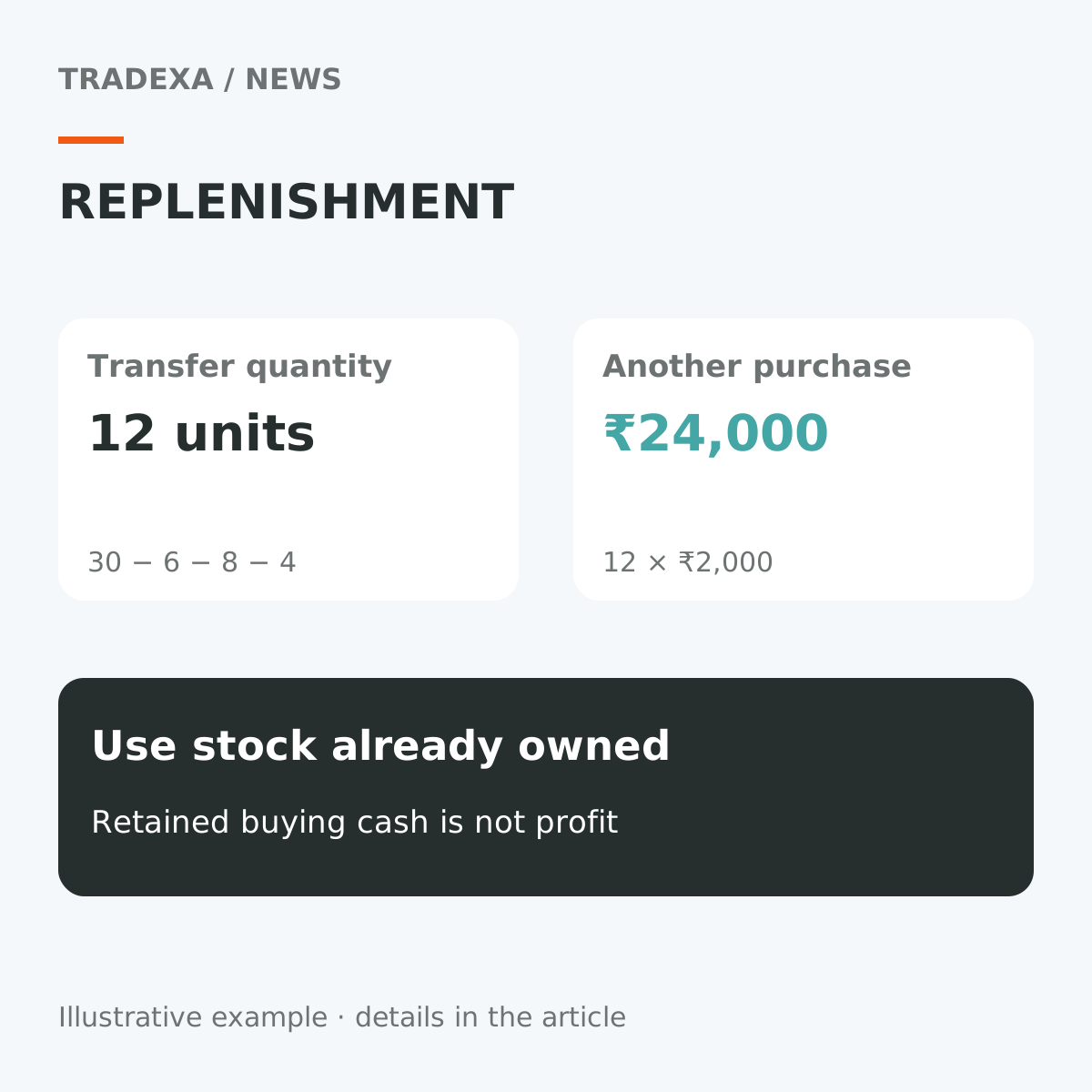
Seeing the second branch's stock gives the purchasing team another option before ordering more from a supplier. Moving existing stock may avoid an unnecessary purchase and leave cash available for faster-selling products or other growth needs. But a transfer still costs money: compare the transport cost and delivery time with buying locally or dispatching from another location. Visible stock helps you make that decision; it does not make every transfer worthwhile.
This is why a shared inventory does not mean every screen must show the same total. A counter needs the stock it can sell at that branch. A website needs the stock its fulfilment locations can supply. Both should draw from the same records while respecting those differences.
Once the locations and selling rules are clear, the remaining question is whether each change reaches the people and channels relying on it.
Test the whole journey, not just the stock dashboard
Use the same sequence with a test product in a safe demonstration: start with ten, sell two at the counter, reserve three online and cancel before dispatch. You should be able to explain why availability moves from ten to eight, then five, then back to eight.
Look at what the shopper can order after each step, not just the number in the admin screen. A central stock record can be correct while a connected website or marketplace is still waiting for an update. Confirm the timing for each integration and how a failed update is noticed and retried.
Then test the cases that could break the sequence:
- Try to sell the last unit at the counter and online at the same time. Check whether both sales can complete and how a conflict is handled.
- Fail an online payment. Check whether a reservation remains, when it expires and who can resolve it.
- Leave a transfer awaiting receipt. Check what each branch and the website can sell.
- Interrupt a connection. Check which work stops and how the team resumes without losing or duplicating a transaction.
Record the expected result and who handles each exception. After launch, use the same approach when an order is cancelled for lack of stock or a count finds a difference: trace the product through its transactions before changing the quantity.
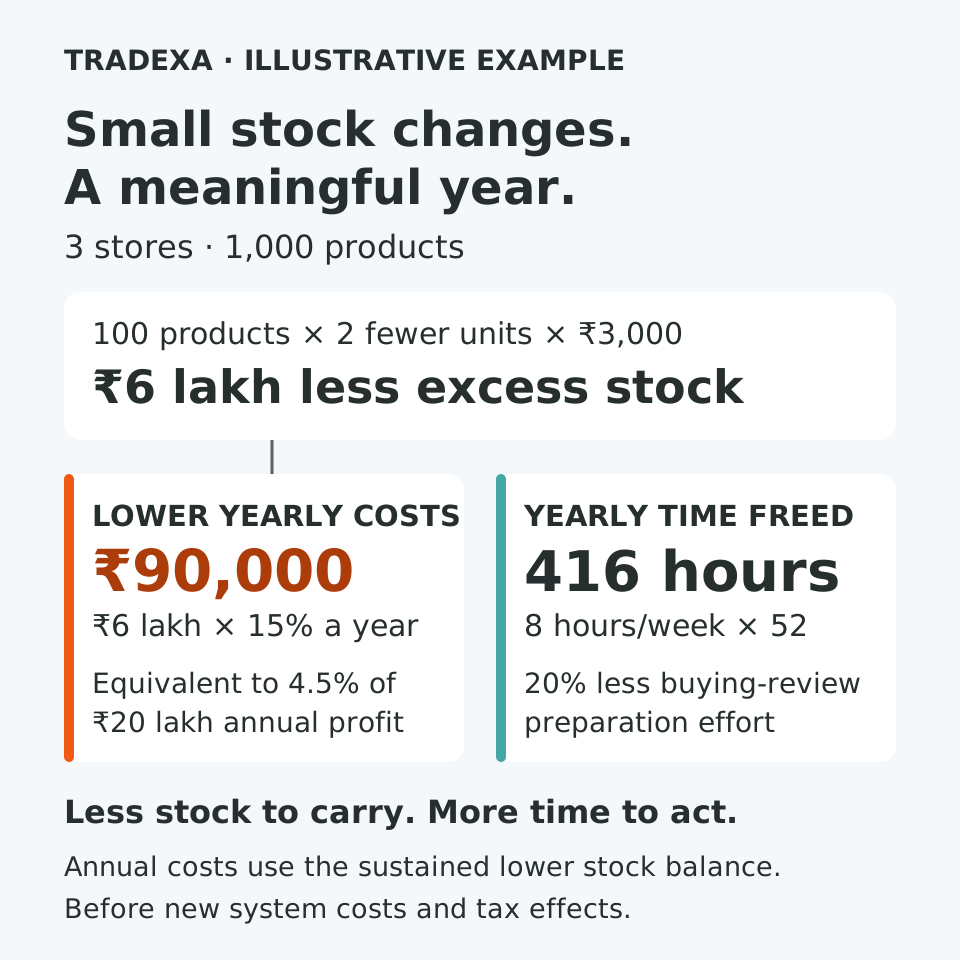
The aim is not to make two screens agree for a moment. It is to keep the next sale, cancellation or transfer from creating the same mismatch again. Fewer avoidable cancellations can help retain sales; fewer emergency transfers and manual corrections can reduce the cost of fulfilling them. Together, those improvements can help protect profit while making the working day easier for the team.
To judge the benefit in your own business, track the time spent resolving stock mismatches, orders lost because stock was unavailable and extra transport costs incurred to rescue orders. Compare those results with the cost of running and maintaining the connected setup. The gains depend on accurate records, clear working rules and reliable updates—not simply installing software.
As the business expands, shared records give each new branch or supported sales channel a starting point: the same products, traceable stock movements and agreed reservation rules. Each addition still needs setup, staff training and testing, but it need not become another disconnected stock count for the team to reconcile.
That is the growth potential: more ways to sell existing stock, more capacity for orders and less management time spent untangling mismatches. For an owner, that can mean more attention for customers, product selection and the next store. Connected stock does not create demand or guarantee profit; it helps remove some of the operational work that can hold growth back.
How Tradexa connects counter and website stock
Tradexa supports this shared-record approach. Counter billing uses the same stock records as the connected commerce system, alongside catalogues, orders and fulfilment across websites, stores, marketplaces and dealer operations. Your team can view stock by branch and warehouse, and record transfers and adjustments.
The example in this article is a way to evaluate your setup, not a promise that every business uses the same reservation or fulfilment rules. Stock-update timing depends on the channel and integration. Tradexa also requires an internet connection for counter billing; it does not provide offline billing.
To see how the connection would work for your business, ask Tradexa to walk through one of your products from counter sale to website order and cancellation. Use your branches and delivery arrangements, and follow the stock at each step. That is the connection that matters when the next customer asks whether an item is available.