You want orders and stock connected, but your accountant already works in Tally. Do they have to start again?
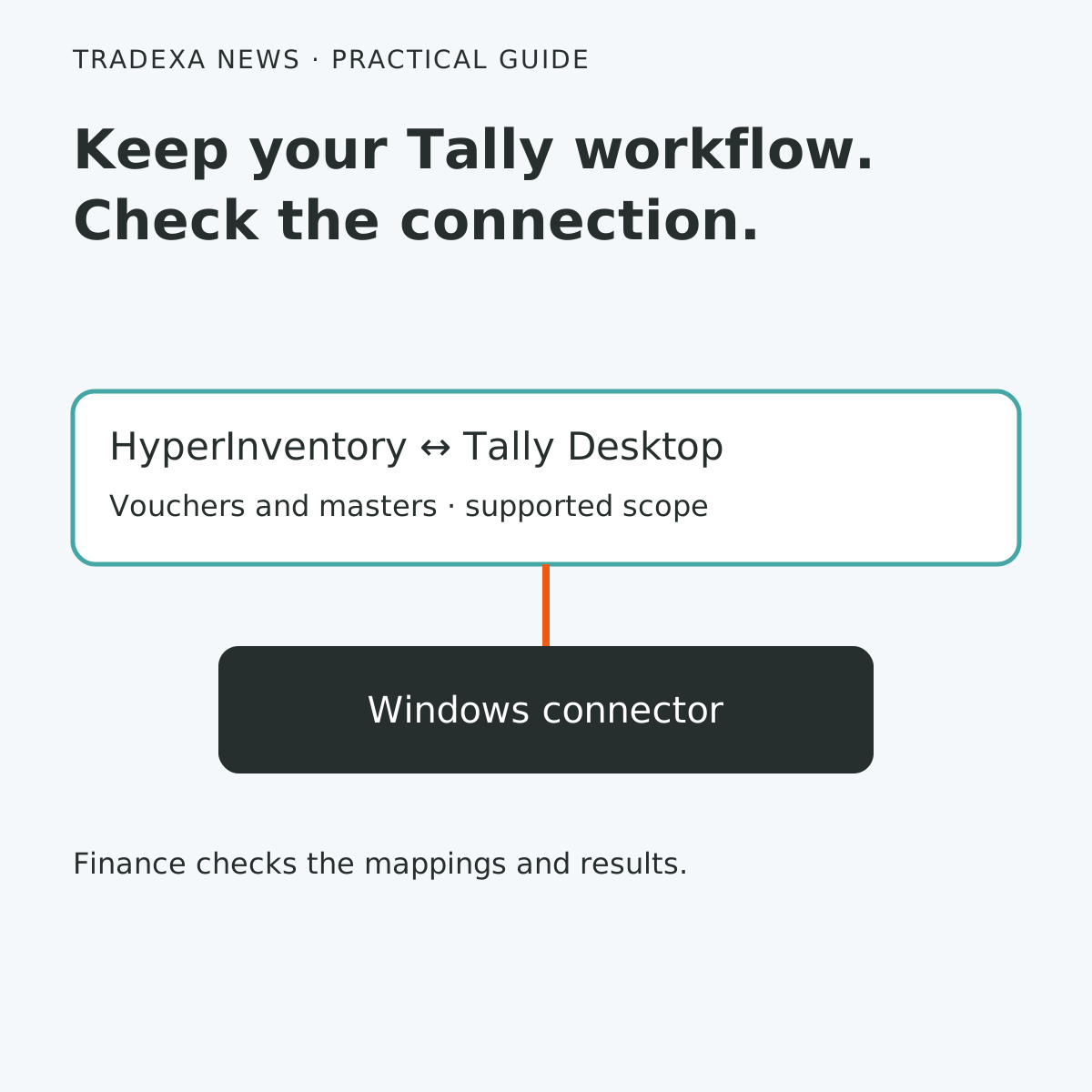
A Tally connection can preserve the accounting system while linking supported operating records. Tradexa’s HyperInventory uses a Windows desktop connector alongside the local Tally instance to sync vouchers and masters both ways. The useful implementation question is which records will move, who owns them and how finance will check the result.
Keep Tally, agree the record ownership
Begin with the company and period you intend to connect. Identify the masters and voucher types needed for that scope, then agree where each is created and corrected. Two systems being able to exchange information is not a reason to edit the same transaction independently in both places.
The approved HyperInventory scope includes vouchers and masters, with the connector supporting vouchers, products, buyers and warehouses. Its connection settings, sync screens, status/error visibility and manual sync triggers give staff a way to inspect and handle the connection.
Confirm your Tally version, customisations and exact mapping requirements with the implementation team. This is a planning and acceptance guide, not an installation walkthrough. The connector is Windows-only; it is not a Mac, browser-only or mobile connector, and every Tally customisation is not promised to sync.
Let finance choose the acceptance sample
Use a designated test company or agreed test environment with recoverable data. Include a normal sale, a relevant payment and a supported adjustment your team actually uses. Ask finance to choose the cases that reveal mapping mistakes, rather than testing only the simplest invoice.
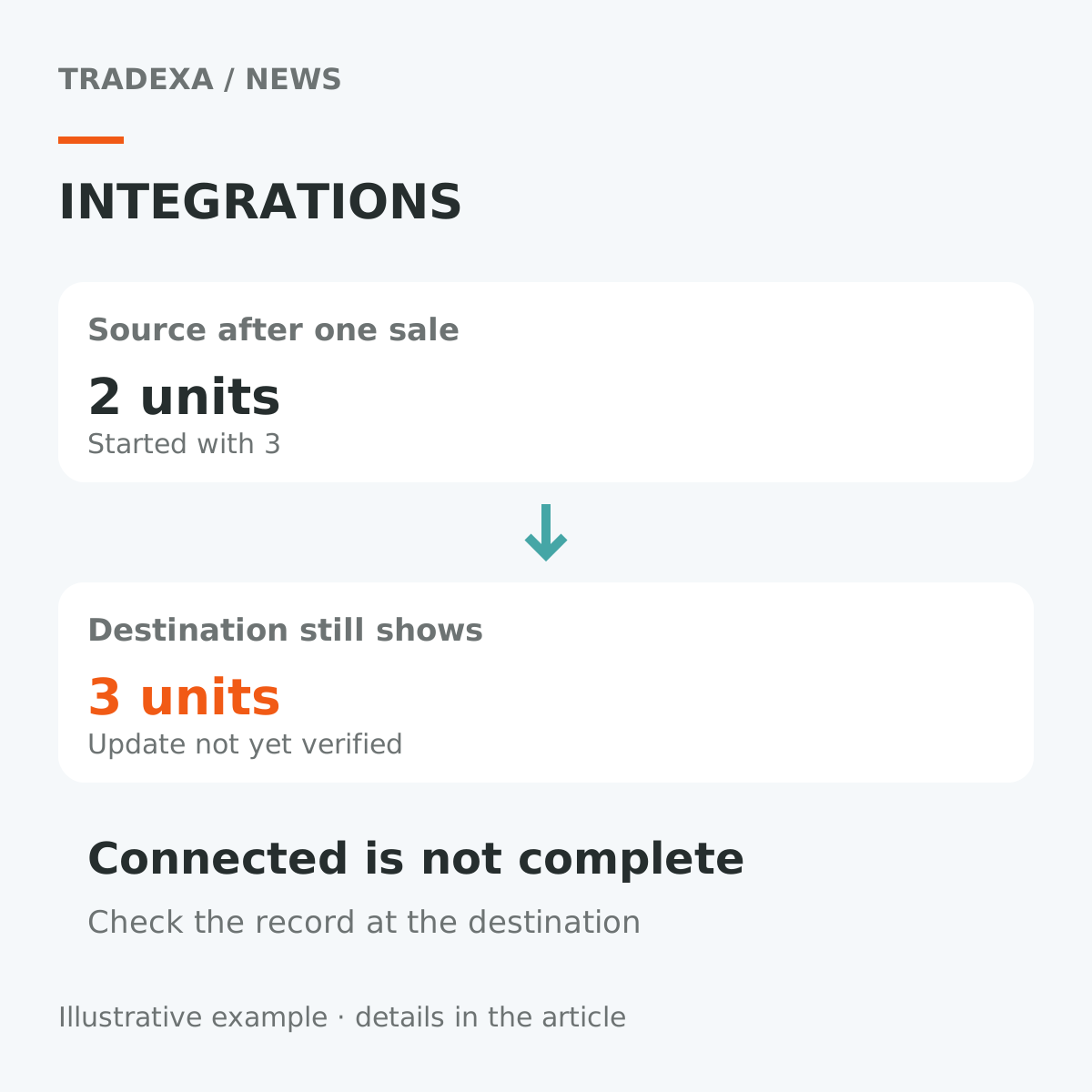
For each case, compare the source reference, party, item or ledger mapping, date and amount with the receiving record. Where tax fields matter, have the accountant verify the mapping and values. A connection succeeding technically is only one part of acceptance; the books must represent the transaction as intended.
Check the supported reverse direction too. Agree how the team recognises an already-synced record and what it should do before retrying an error. Do not assume a manual retry is harmless if nobody has checked whether the record already exists.
Decide who handles a failed sync
An error needs an owner and a next step. Operations may correct a product record; finance may resolve a ledger mapping; the implementation team may need to investigate the connector. Record the affected reference so a correction can be checked against the same transaction.
Decide when the connector will be available and when finance checks for unresolved records. Keep an agreed fallback for transactions that cannot yet pass acceptance. Do not promise instant synchronisation or a completely unattended close merely because a bidirectional connection exists.
A useful connection can reduce repeated entry while leaving the accountant in charge of the books. If fewer records need to be typed again, finance can use that capacity to investigate exceptions and prepare a more reliable close. Measure the remaining work during the pilot before changing staffing or close deadlines.
Use this finance sync acceptance record
- Scope: Tally company, test period, connector environment and supported record type.
- Ownership: where the record is created, where corrections happen and who authorises them.
- Mapping: expected party, product or ledger, date and amount.
- Source and destination references: record both, plus the observed sync status.
- Acceptance result: finance agrees, correction required or implementation question outstanding.
- Error handling: owner, investigation, safe retry decision and verification reference.
- Expansion decision: accept this scope, repeat the sample or defer the unsupported case.
Expand only after finance can explain the mappings and resolve an exception without losing the original reference. Keep Tally as the accounting system and make the connection prove its part in the workflow.
Tally’s own integration methods documentation explains its external-system interfaces. That platform documentation supports the integration concept; the HyperInventory scope and Windows connector described here come from Tradexa’s approved product documentation.