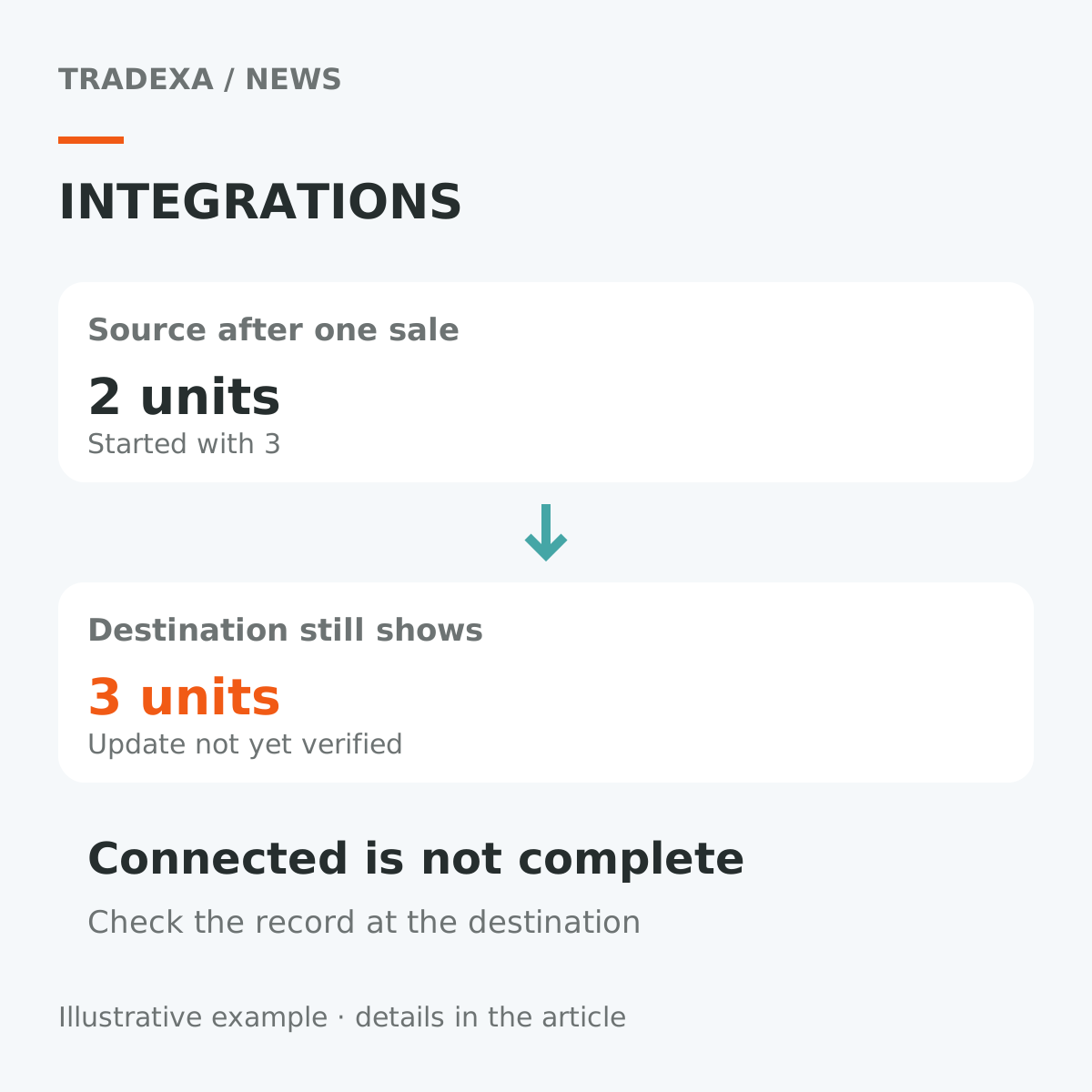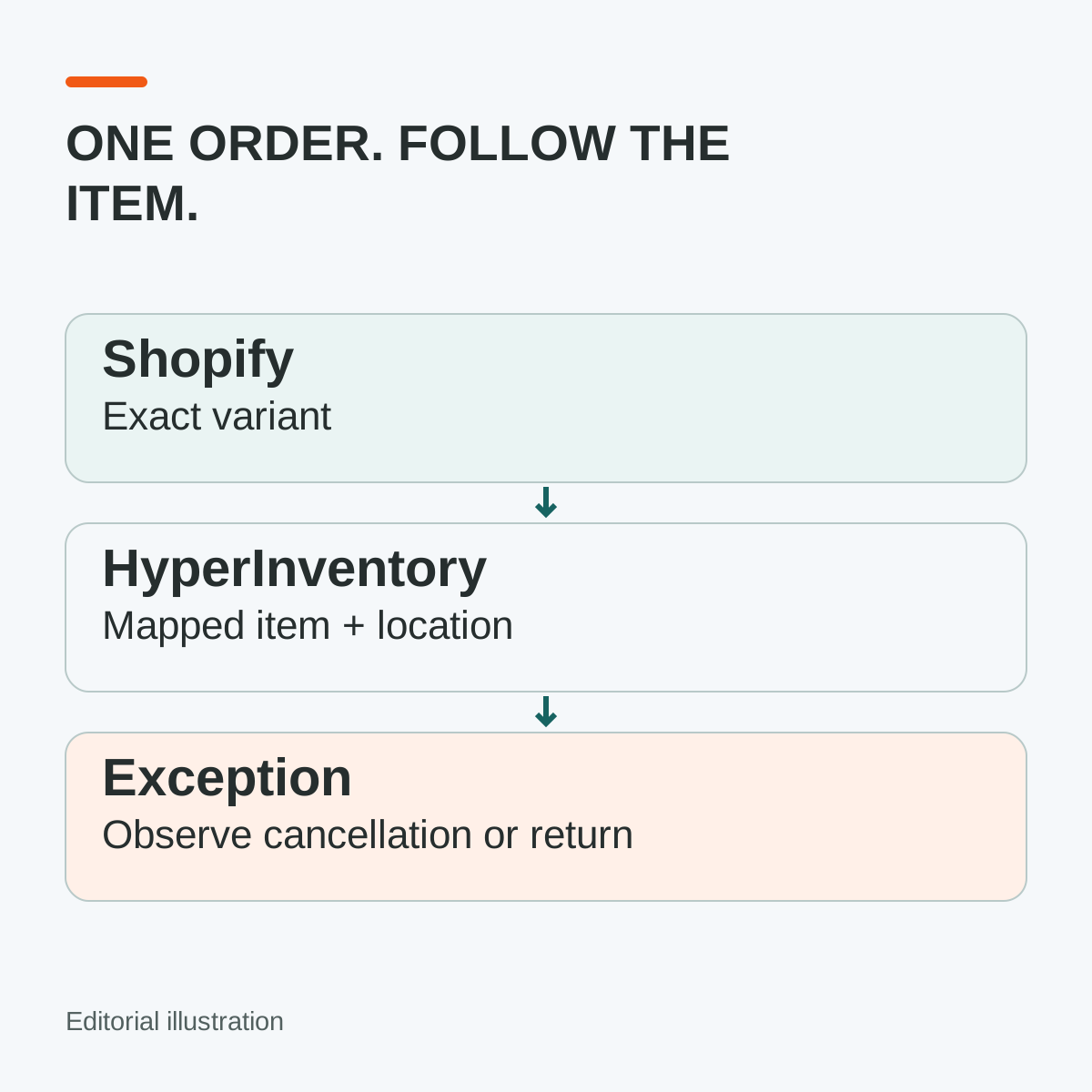
A successful connection message is a beginning. The useful acceptance question is whether the right Shopify item becomes the right operating order—and whether the stock change belongs to the warehouse that will fulfil it.
HyperInventory supports Shopify as a sales-channel integration within its core commerce platform. Test the agreed scope with one representative order before opening the wider catalogue. Do not assume that “connected” means every field moves in both directions, every Shopify feature is covered or every update is instant.
Start with a test the warehouse could get wrong
Choose a product with a meaningful variant difference, such as the black version of a lamp that also comes in white. Record the Shopify variant reference, the corresponding HyperInventory item and the selling unit. A matching product title is insufficient when two variants share the same parent name.
Agree which system owns the fields in this implementation: product content, prices, sellable quantity, order import and fulfilment updates where supported. List the direction and expected update event for each agreed object. An unverified direction should remain an open acceptance item, not become a promise in the rollout plan.
Use the catalogue-variant guide for the item-identity work. This test follows that accepted item through the actual channel handover.
Keep the selling location in the example
Suppose the black lamp has twelve physical units at the dispatch warehouse. Four are committed to other orders, leaving eight available before this test under the agreed stock rules. There are also two demonstration units at a store that is not intended to fulfil these website orders.
Confirm which stock is exposed to Shopify and why. A result of fourteen physical units would not demonstrate the intended sellable pool. Nor should the test quietly consume the store's demonstration stock. Shopify's location guidance explains that inventory and fulfilment services are location-based; the integration's actual mapping must be checked in your configuration.
Place an authorised test order for one black lamp. Compare the received variant, quantity, buyer and agreed location with the operating order. Record when commitment and physical stock change under the demonstrated workflow. Do not subtract the same reservation twice or assume the on-hand quantity must fall at checkout.
Test without accidentally sending a parcel
Coordinate with the account owner, finance and fulfilment team before testing. Shopify's test-order guidance describes supported payment-test methods and warns that automatically fulfilling services or apps should be deactivated before test orders are created.
Prefer an approved development or test environment where the intended connector path can also be exercised. On a live Shopify store, payment test mode prevents customers from placing live orders. If the account owner authorises a controlled live test window, plan that interruption and restore the normal payment and fulfilment configuration promptly once testing is complete and test orders have been resolved. Mark the test so staff and connected services do not treat it as an ordinary paid shipment. A successful Shopify checkout alone does not prove what an external connector receives; inspect the corresponding HyperInventory records too.
Make one exception part of acceptance
Choose a cancellation before dispatch, or a supported return if that is in the agreed integration scope. Observe what happens in each system, which document or quantity changes, and whether a person must complete a step. Record unsupported cases for an agreed manual process rather than assuming parity with the happy path.
Then compare the next stock update with the expected quantity and timestamp. If it differs, preserve the order references and event times before attempting a correction. The integration-delay guide explains how to ask about timing and recovery without treating “eventually updated” as a complete answer.
Copy a Shopify acceptance record
Keep one record per tested route, including any exception.
- Store, agreed integration scope and responsible teams: ______
- Shopify variant and HyperInventory item/unit mapping: ______
- Intended fulfilment location and excluded stock: ______
- Starting on-hand, commitments and exposed sellable quantity: ______
- Test mode, fulfilment safeguards and test order reference: ______
- Expected/observed order fields and stock-event timestamps: ______
- Cancellation/return scope, observed result and remaining manual step: ______
- Difference, owner, retest evidence and accept/hold decision: ______
Accept the connection when those observations match the agreed scope—not merely when both systems display an order. Proving that handover can reduce repeated order entry and warehouse checks, leaving the team capacity to handle more channel orders where demand and stock support it. Keep the unresolved exceptions small and named before extending the catalogue.