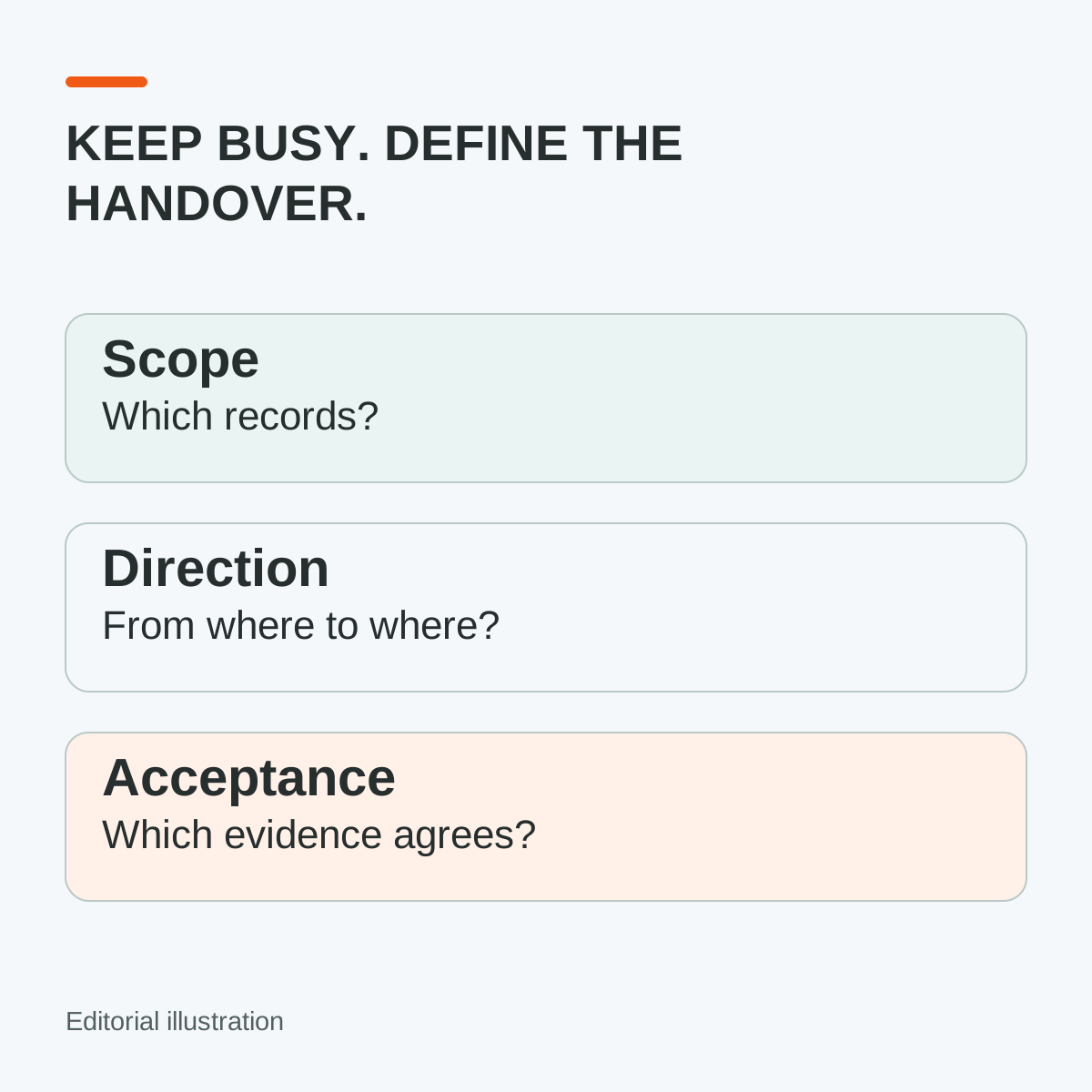
If your accountant intends to keep BUSY, “Does it integrate?” is only the first question. The decision that affects tomorrow's work is more specific: which records will move, in which direction, and how will finance know they arrived correctly?
HyperInventory supports keeping supported accounting data connected with BUSY. That lets a trading business evaluate connected commerce operations without treating a change of accounting software as the starting condition. Agree the actual supported scope before removing a manual step; a connection name is not an acceptance record.
Write down the records, not just the software names
Choose one representative business flow. For a multi-brand importer or distributor, that might be the sale to a dealer from an agreed branch, followed by the accounting records that the implementation is intended to carry.
List the required object types with finance and the implementation team: for example, the relevant master and transaction records you need to evaluate. For each, confirm whether it is supported, where it originates, which way it moves, when it updates and what evidence appears in the receiving system. These are questions for the scoped demonstration, not a promise that every listed object is covered by the BUSY integration.
Avoid borrowing another connector's behaviour. The supported Tally connection has its own documented architecture and bidirectional scope. That does not establish the same connector, operating-system requirements, object coverage or directions for BUSY.
Make the branch and identity mapping visible
Suppose two represented brands use the same supplier model number. Finance needs an agreed identity for the actual item, not merely a similar description in two systems. Include the company and relevant branch context, party reference, item/unit mapping and document reference in the acceptance evidence.
Keep amount comparisons on the same basis. Compare quantities, net amounts, applicable tax fields and totals where those fields are part of the supported mapping. A matching grand total can hide the wrong party or wrong product. Ask finance to approve the mapping using actual representative records, with private data handled in the authorised environment.
HyperInventory's catalogue, orders, invoices and branch operations provide the commerce context for that check. The connection's job is to carry its agreed accounting data—not to make different records equivalent by giving them similar labels.
Include the correction before stopping duplicate entry
Test an agreed correction or return case if it is supported. Establish whether the change updates an existing record, creates another document or needs a controlled manual action. If a case is outside the connection's scope, name the exception and its owner before go-live.
Ask how the operator identifies a record that has not arrived, and how the authorised support process handles a retry without creating a second transaction. Do not assume a particular error screen or duplicate-prevention feature exists; require the demonstrated process for this implementation.
BUSY's official integration help directs users to their registered channel partner for integration services. Check your edition, configuration, access, partner responsibilities and any charges with the responsible parties. This article does not prescribe a universal BUSY API or connector configuration.
Copy an accounting-connection acceptance record
Complete a separate line of reasoning for each object and direction; do not write “all data” in the scope field.
- Company/branch, BUSY edition and agreed implementation contacts: ______
- Required object, source of truth and confirmed supported direction: ______
- Party, item, unit, account and document-reference mapping as applicable: ______
- Expected update trigger and agreed timing: ______
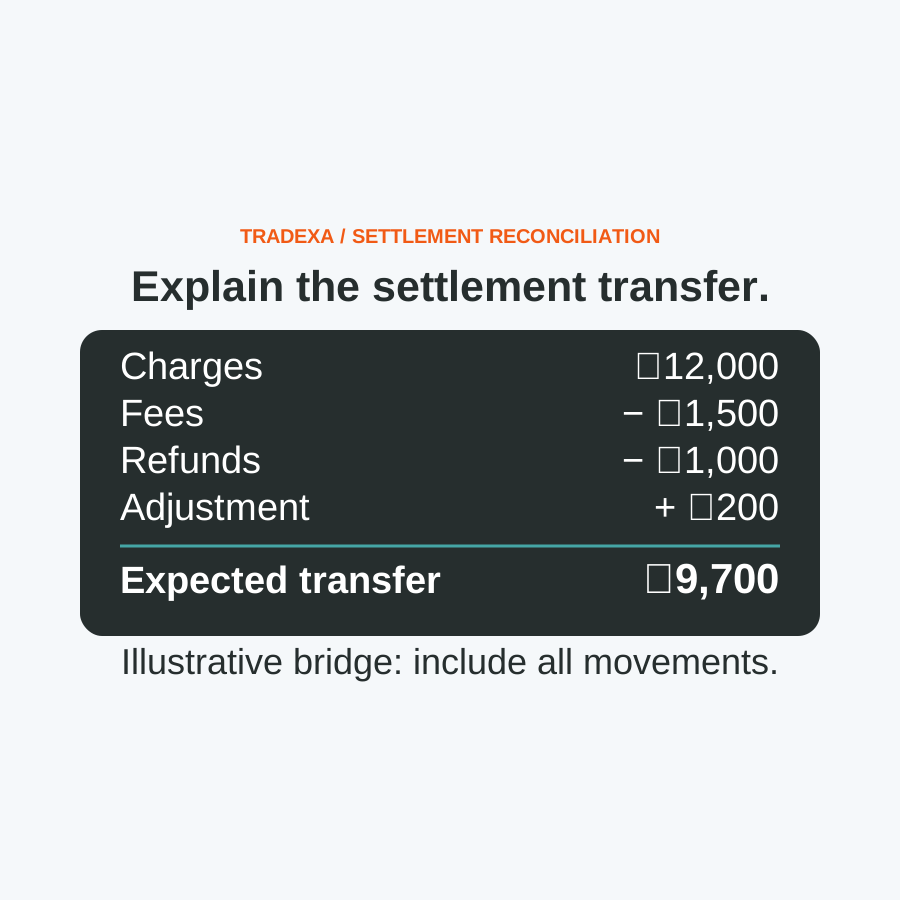
- Source/receiving references, record count and reconciled amounts: ______
- Correction/return test, or named manual exception: ______
- Failed-transfer evidence, retry owner and duplicate check: ______
- Finance acceptance, remaining work and manual-entry stop date: ______
The output is a finance-approved boundary: these particular entries can move through the demonstrated connection; these exceptions still need attention. Retain the evidence so the next month-end does not depend on somebody remembering what the demonstration showed.
Count the work that actually changes
Separate less re-entry from less review. Connected supported records can remove repeated entry for the accepted flow; finance still needs reconciliation and exception handling. Use the released capacity for timely closing and for supporting another brand or sales route when the business has the demand and operating resources.
Tradexa's yearly subscription includes professional onboarding, migration help, relevant agreed setup and free owner/team training. Confirm the accepted outputs and responsibilities before signing off. Optional ongoing managed services are a separate monthly subscription; setup does not promise that every future exception will be handled without your team.
Use the accounting-system choice guide if you are still deciding which accounting system to keep. If BUSY is already the decision, bring one ordinary transaction and one exception to a scoped HyperInventory demonstration. Ask to leave with the acceptance record, not another feature list.