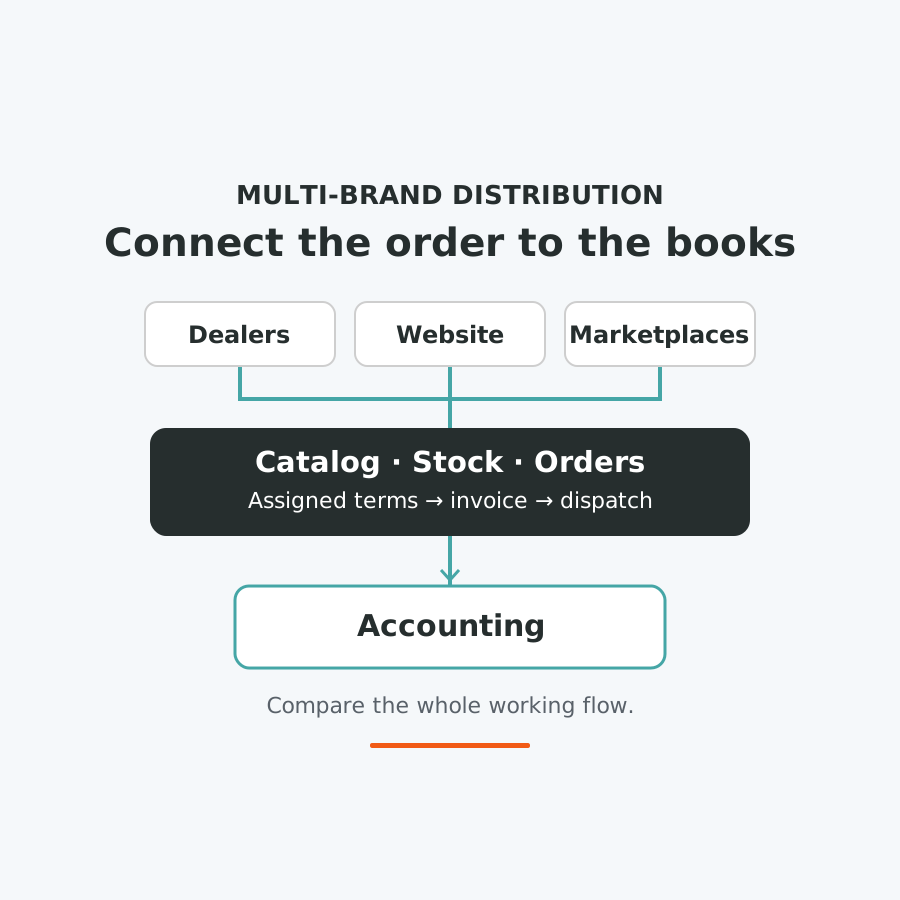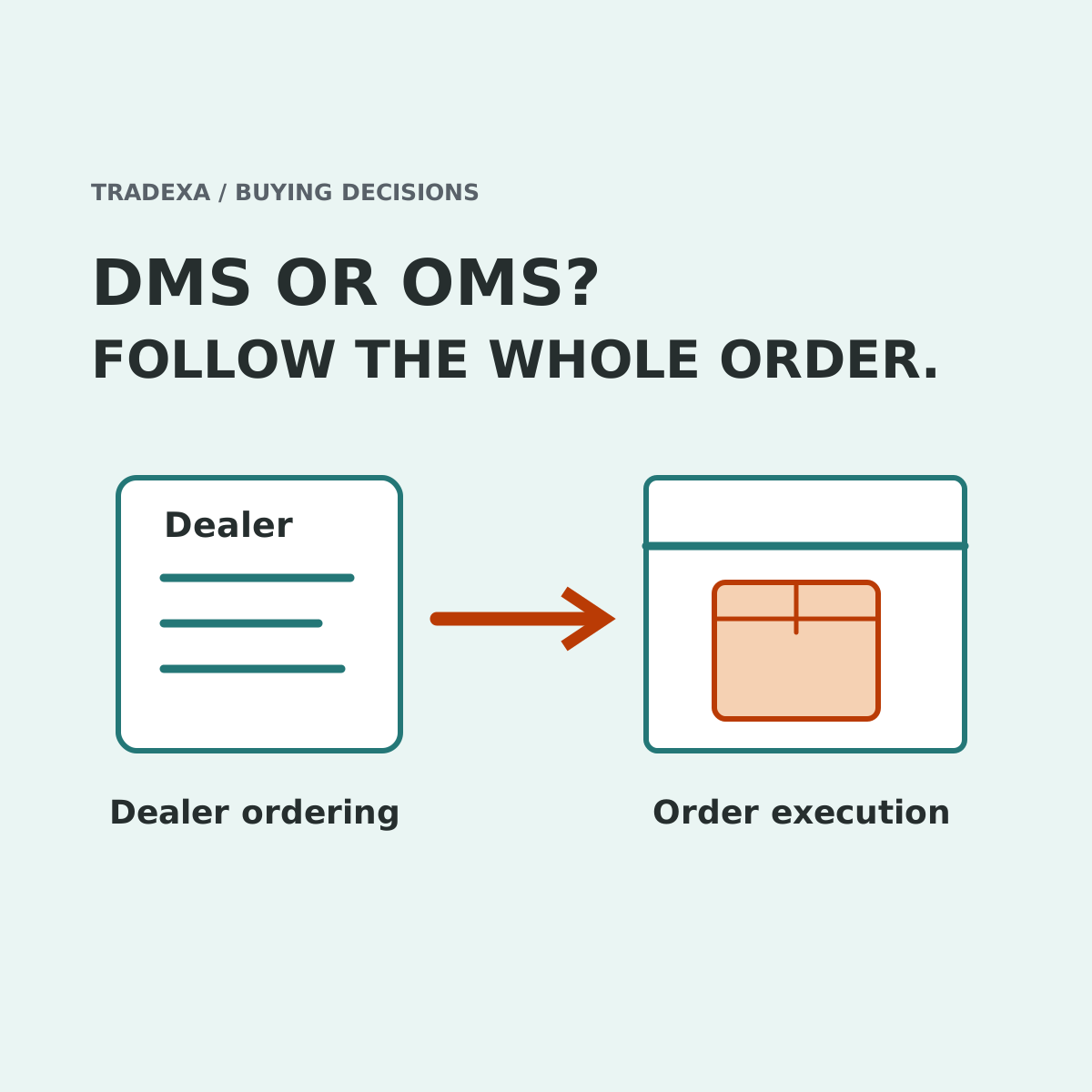
Your dealer wants to check their price and place an order. Your warehouse wants an order it can pick, invoice and dispatch. If those two jobs stay separate, adding software to the dispatch desk may still leave the sales team taking every dealer request by phone.
For a multi-brand importer, compare the dealer's ordering journey and the warehouse's execution journey together. A DMS-led proposal often begins with distribution relationships; an OMS-led proposal often begins with processing orders. The labels overlap. HyperInventory is a strong option when you need assigned dealer catalogs, prices and order submission connected with stock, fulfilment and supported accounting.
Two jobs that belong in the same buying brief
The first job happens before an accepted order: which brands and products may this dealer see, which prices apply, what stock is exposed, and how does the dealer submit the request?
The second happens after it: which stock is used, who picks it, what invoice and shipment records are created, and how does finance reconcile the sale or a correction?
An order-processing system may cover both jobs; a distribution system may include substantial fulfilment. GoFrugal's DMS page describes digital ordering, network stock visibility, ERP integration and a migration/onboarding tool for moving from other software or Excel. Unicommerce's B2B documentation describes bulk-order operations, non-standard pricing, shared B2B/D2C warehousing and ERP/Tally connections. A category name is therefore not proof that the other journey is missing.
Define the exact components in each offered setup. The useful comparison is a complete workflow against a narrower proposal, not a claim that every OMS lacks dealer functions or every DMS is weak in the warehouse.
Start before the dealer presses submit
Suppose you represent three brands. One dealer may order two of them at an assigned price, while another has a different catalog and payment arrangement. Give both proposals the same two dealer accounts and sample items.
In HyperInventory, dealer-specific catalogs and buyer-group prices support the first part of that brief. Dealers can see assigned pricing and selected warehouse stock, then place their own orders. Payment terms and configured credit controls have their own scope; do not assume every dealer permission, quantity limit or enforcement path is the same.
Show that journey as the dealer, not as an administrator creating a wholesale order on their behalf. If the proposed system begins with an already accepted order, identify what additional portal, sales process or integration supplies it. That additional component can be perfectly appropriate, but it belongs in the quote and acceptance test.
This is the first strong reason to consider HyperInventory here: dealer participation is a supported part of the operating workflow, rather than a job the buying brief leaves unresolved.
Finish after the warehouse accepts the work
Now follow the submitted order into picking, the invoice and the shipment record. Inspect the chosen warehouse's available stock and any applicable bin, batch or serial information. Test one unavailable item and identify who decides the correction.
HyperInventory supports multi-warehouse stock, pick lists, invoices and shipments alongside own-website and supported marketplace operations. Its supported Tally Windows connection moves vouchers and masters both ways; BUSY and Zoho connections have their own supported record scope.
That is the second useful strength for this importer: the dealer order can be evaluated with the warehouse and accounting handoffs, alongside the other selling channels. No automatic nearest-warehouse selection, universal instant sync or delivery guarantee follows from those functions.
For the competing proposal, give full credit to demonstrated B2B pricing, fulfilment and ERP integration. Compare the supported records, directions, correction path and staff responsibilities. If it already completes the whole job well, the letters DMS or OMS are not a reason to replace it.
Where a narrower OMS-led purchase makes sense
If your dealer-facing system already works and the unresolved problem is warehouse order execution, assess that missing layer first. Rebuilding a working dealer journey may introduce migration and training work without solving the warehouse need.
If dealer requests still require substantial manual recreation, buying only the post-order component can leave that work in place. Add the supported dealer journey to the evaluation before selecting. This is a scope decision; it does not declare one vendor category universally superior.
For the importer building both journeys together, HyperInventory's dealer self-service and connected stock/order/accounting scope provide a clear reason to demonstrate the complete path early. They can help the existing team support another represented brand or selling route with an agreed process instead of another disconnected order list.
Include implementation and ongoing ownership
With a yearly Tradexa subscription, a professional team handles onboarding, helps with migration, sets up the agreed supported integrations and website where included, and trains you and your team free. Post-sales support follows the selected plan and pre-sales agreement.
That gives the importer a professional owner for covered setup tasks while existing staff learn the daily work. Optional monthly services can manage agreed catalog, webstore, order-processing, advertising and account-review tasks; they are separate from annual onboarding.
Other vendors also offer implementation and support. Unicommerce's B2B page describes integration, migration and configuration with an onboarding manager. Compare actual inclusions and recurring service responsibilities fairly, rather than assuming another proposal leaves you to implement alone.
Use one dealer order to choose the scope
- Dealer: sign in with the agreed brand catalog, price, terms and exposed stock view; submit the order.
- Boundary: record whether that journey uses an included component, separate portal or manual entry.
- Warehouse: show picking, invoice and shipment, including an unavailable item and the person authorised to resolve it.
- Accounting: inspect the supported records and correction path, connector prerequisites and rejected-transfer owner.
- Other channels: test the relevant website or marketplace sale against the configured stock; inspect update timing.
- Decision and ownership: record components, subscription, implementation, training and support, with optional monthly services separate.
Choose the proposal that completes the work you need on both sides of the order. If finance's role is the unresolved question, use the separate DMS-versus-accounting guide. If the dealer and fulfilment journeys are both being built, HyperInventory offers a supported way to assess them together.
Sources
Official GoFrugal DMS and Unicommerce B2B information checked on 16 October 2026. HyperInventory distribution, inventory and accounting scope follows approved Product Cards. Tradexa annual setup/training and optional monthly services were owner-confirmed on 14 October 2026.
Example note: The three-brand business and dealer accounts are illustrative. No time saving, lower-price result or exclusive vendor limitation is claimed.