Suppose your stock record shows 80 units, but the team counts 76. It is tempting to correct the system and move on. First check whether four units left the warehouse between the stock snapshot and the count.
A difference is a question to investigate before it becomes an adjustment. Compare the same product, unit, location and point in time, then separate explained movements from the quantity that still needs a decision.
Put the count and the stock record on the same clock
Choose a count cut-off and tell receiving, picking and dispatch teams how movements around it will be recorded. You can count a small area rather than attempt the whole warehouse at once, provided the scope and handover are clear.
In the illustrative 80-versus-76 case, suppose the stock snapshot was taken at 9 AM and four units were dispatched before the physical count at 10 AM. There were no other movements. The expected quantity at count time is 80 minus 4, or 76. The apparent four-unit shortage disappears when the records use the same cut-off.
If the dispatch is not yet recorded, resolve its transaction evidence through the approved process. Do not enter a second stock reduction through the audit and then post the same dispatch later. If a receipt, return or transfer also occurred, include it in the movement bridge before deciding what remains unexplained.
Check the item and unit before counting again
A matching product name does not establish a matching unit. Check product code, variant and pack quantity. One sealed carton of twelve is different from one individual unit, and mixed packs can make a quick visual count misleading.
Keep separate quantities for goods awaiting inspection, damaged goods and stock committed to orders where those distinctions apply. Confirm which statuses the system snapshot includes. A shelf count of everything physically present may be answering a different question from a report of saleable or available stock.
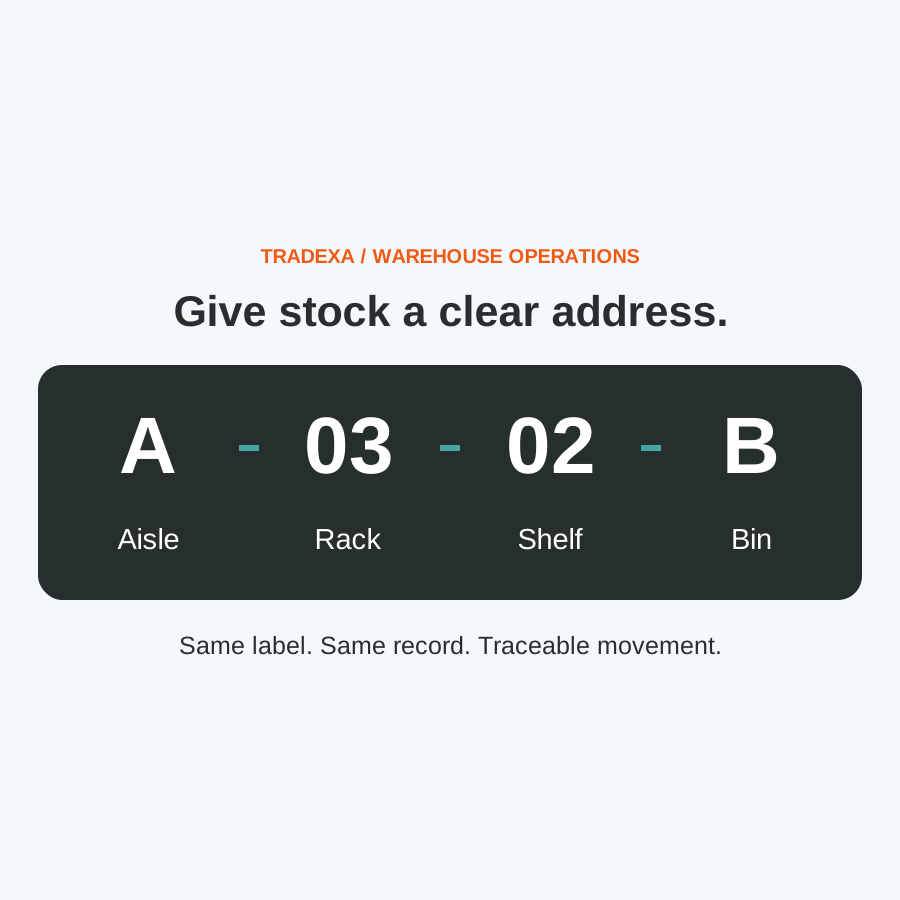
If a product sits in several locations, make sure the count scope includes the relevant positions without counting a transferred carton twice. For the physical naming system, use the guide to warehouse rack and bin addresses. Finding the right position and explaining a quantity difference are separate jobs.
Copy this stock-difference record
Use one record per product and count scope. Keep the evidence with the decision, not only the final quantity.
- Warehouse, area and count cut-off: ______
- Product code, variant and unit: ______
- System quantity and snapshot time: ______
- Physical quantity and count time: ______
- Intervening receipts, dispatches, returns or transfers: ______
- Expected quantity at count time after those movements: ______
- Remaining unexplained difference: ______
- Recount result and supporting references: ______
- Cause identified or question still open: ______
- Proposed action and responsible person: ______
- Reviewer, decision and date: ______
In the worked case, the expected quantity and physical quantity are both 76, so the remaining unexplained difference is zero. For another product with a genuine unresolved difference, retain that difference rather than forcing the record to balance.
The sheet is an investigation aid, not a required import template. Use the supported records and approval process in your implementation.
Let scanning help the count, then review the difference
HyperInventory's warehouse audit app supports phone-based barcode counting, counted-versus-system quantities and serial capture where configured. A submitted audit is locked for manager review, and stock adjustment follows approval. That connects the count to a controlled decision rather than an immediate overwrite.
Submitting an audit locks its record; this is not a promise that physical warehouse movements are automatically frozen. Agree the floor procedure and test how new movements are handled during a count. The supported app uses the phone camera; do not assume offline counting or specialist scanner hardware support.
When a difference survives the time and unit checks, recount the relevant goods and trace the last receipt, pick, return or transfer. Keep the actual cause separate from a suspicion. An unexplained shortage does not by itself establish theft, a supplier error or a system fault.
Use the result to prevent the next repeated search
A corrected quantity helps the next order only if the underlying handover also improves. A late receipt needs a receiving action; a carton-unit mistake needs a unit correction; an unrecorded transfer needs a movement handover. Assign an owner to that specific fix.
Fewer repeated count investigations may leave more attention for short picks, receiving stock and preparing orders. That can support additional fulfilment work when stock uncertainty is the constraint, but it depends on recording movements and using the agreed units consistently. A count alone does not create demand or guarantee fewer cancellations.
Start with one product whose difference keeps returning. Complete the movement bridge, review the cause and check the same handover on the next count.
Example note: The 80-unit snapshot and four-unit dispatch illustrate time alignment, not measured customer results. Replace them with your count scope, actual movements and approved records.