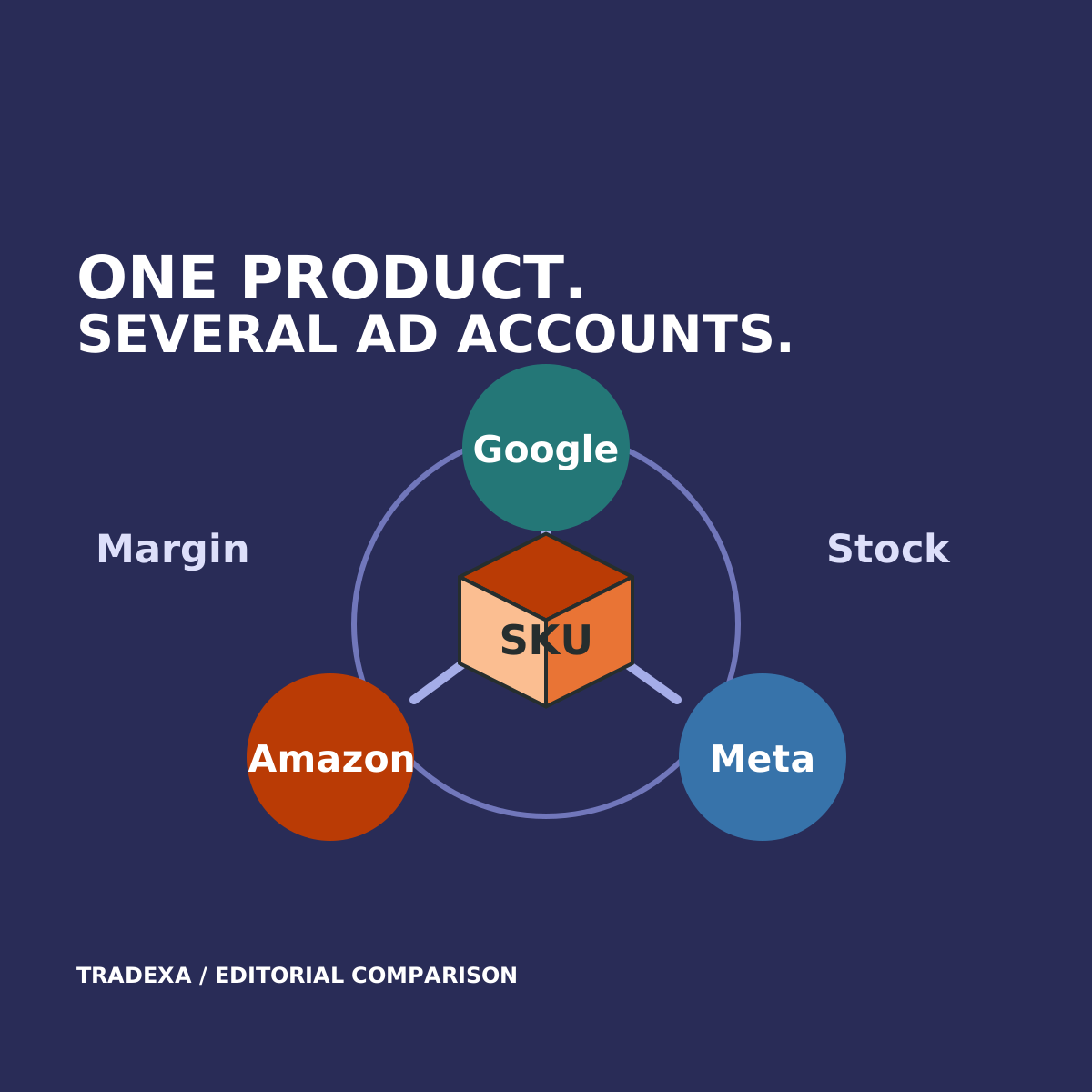
Your Amazon dashboard can show a strong product ROAS while your website team promotes the same item. The buying team may know its purchase cost has risen. Operations may know the next shipment is late. An advertising decision made without those two facts can look good in the console and wrong for the business.
HyperAds is a strong fit when a merchant needs product-level margin, inventory and cross-channel performance to guide advertising together. Separate native ad consoles remain important campaign tools. The comparison is whether the merchant must assemble that business context outside them or can use it in the advertising workflow.
This guide compares HyperAds with managing Google, Amazon and Meta through their individual consoles. Flipkart can also be part of the supported HyperAds operating view when relevant to the merchant.
Yearly Tradexa subscriptions also include professional onboarding and free team training, with relevant setup described below. Optional ongoing managed services are available separately.
Native consoles already do more than reporting
Google Ads includes Search, Shopping and Performance Max among its campaign options. Amazon Sponsored Products supports automatic and manual targeting. Meta documents Advantage automation for advertising.
Do not base a HyperAds choice on the claim that native platforms lack optimisation or automation. They provide platform-specific tools, and a specialist team may use them effectively.
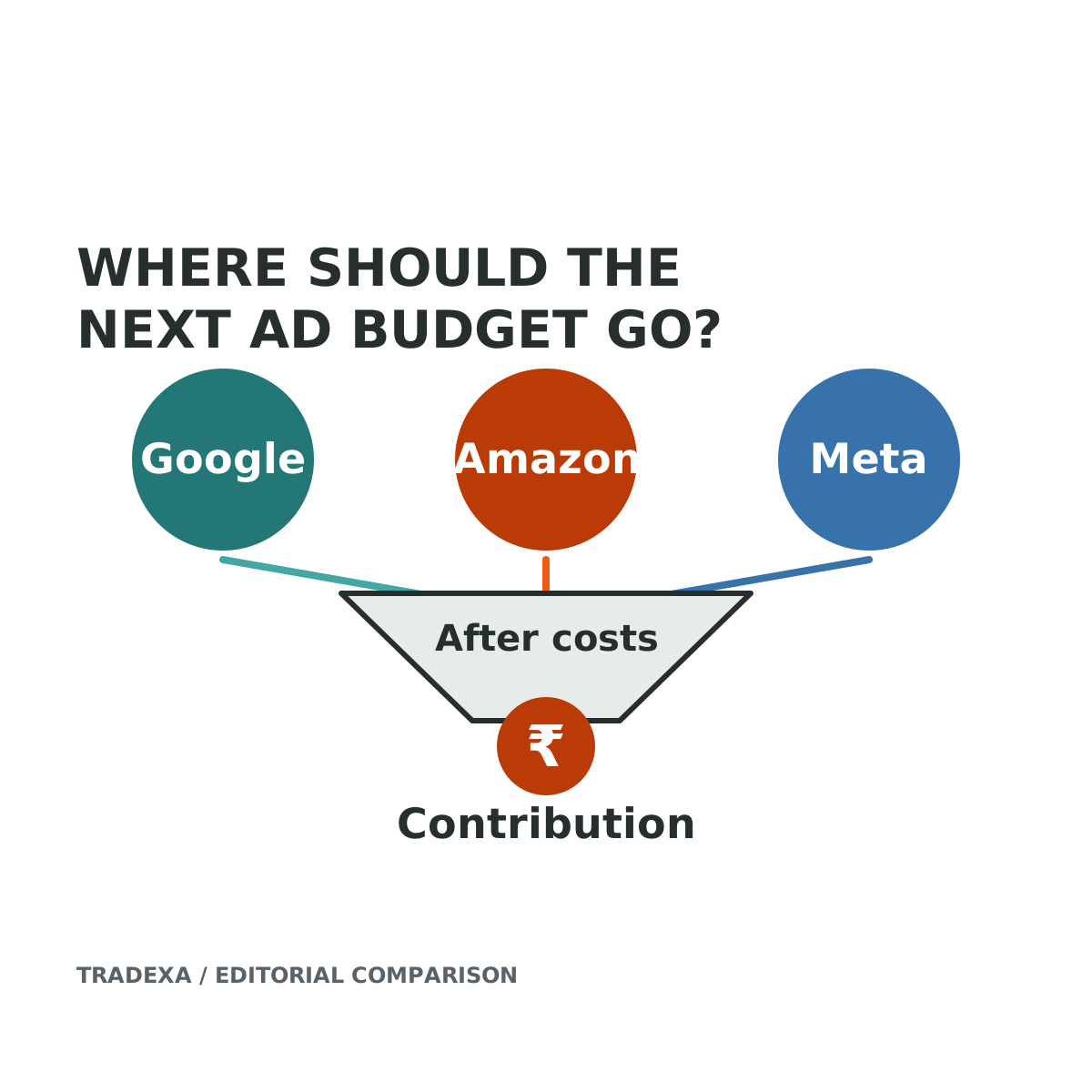
The additional decision is about the product across your business: what it costs to buy, whether it can be fulfilled, how its sales and advertising compare across routes, and which action deserves priority.
Compare the complete operating setup
On one side, include the native consoles plus the spreadsheets, reporting tools, cost feeds and stock checks your team actually uses. A well-maintained existing process deserves credit.
On the other, include HyperAds with the required accounts, product mappings, cost information and supported inventory context. HyperAds can be used standalone; branch-stock local inventory advertising depends on the relevant HyperInventory setup. Do not price or describe the entire Tradexa platform as though it were included in every HyperAds purchase.
Use the same products and current data in both demonstrations. The point is a better-supported action, not merely fewer browser tabs.
Compare five advertising decisions
Which product deserves more attention?
- Separate consoles and your current tools: show how the team joins product performance from each platform with purchase cost and stock information.
- HyperAds: product-level ROAS, POAS, MER, purchase cost and cross-channel sales provide a supported integrated decision view.
- Why it matters: the team can consider a product's economics and availability alongside its reported revenue rather than carrying those facts into each account by hand.
Where should the next budget go?
- Existing setup: record the method for comparing destination-specific costs, completed orders and the response to additional spend.
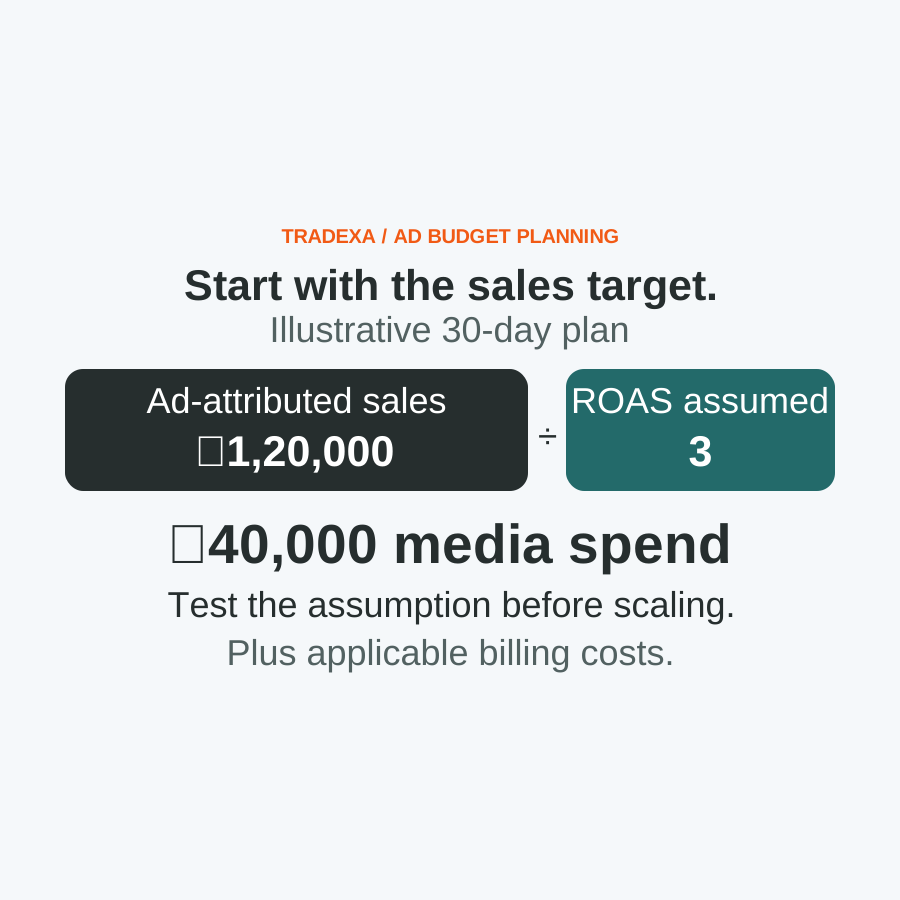
- HyperAds: target-sales inputs can produce recommended starting ad budgets and suggested scale-up amounts, alongside product, budget and campaign-priority recommendations.
- Why it matters: planning can begin with a sales objective and product context. A recommendation is not a sales guarantee; historical average ROAS still does not establish marginal response.
What action should be taken inside a campaign?
- Native consoles: count the platform's available bidding, targeting and automation tools in the comparison.
- HyperAds: supported recommendations cover products, budgets, keywords, bids and campaign priorities. Configured automatic actions include time- and performance-based bid optimisation and rule-based optimisation.
- Why it matters: the comparison includes both recommendations and configured actions. Do not assume every channel exposes identical keywords, campaign formats or controls.
How should stock affect advertising?
- Existing setup: demonstrate who checks availability and how the advertising owner receives a stock exception.
- HyperAds: supported inventory-linked advertising covers Google Local Inventory, Google Shopping, Meta, Amazon Ads and Flipkart Ads, within the relevant connected setup.
- Why it matters: promotion can be considered with available products. Show the exact configuration and supported action; the phrase inventory-linked is not evidence of a universal instant pause rule.
What does the reported sale mean?
- Both setups: distinguish platform attribution from completed business orders, returns and overlapping conversion claims.
- HyperAds: supported cross-channel sales and measured offline-sales impact add context to product-level assessment.
- Why it matters: broader business visibility is useful, but it does not prove causal incrementality, universal deduplication or perfect cross-device identity. Ask how each metric is defined and which costs it includes.
A decision the consoles alone may not settle
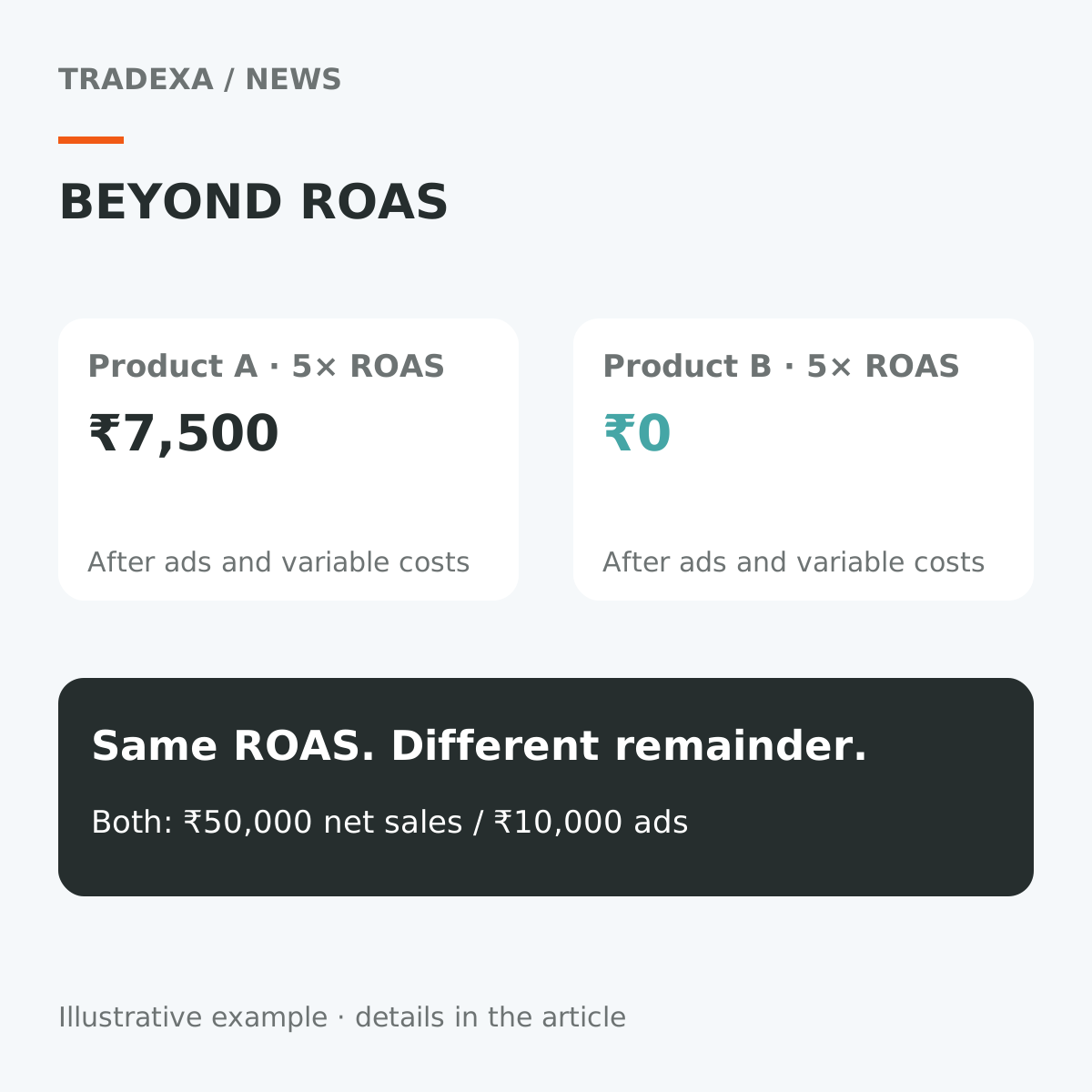
Suppose two products each show the same attributed revenue and ad spend. One has a higher purchase cost and only a small amount of sellable stock; the other has a healthier contribution and replenishment available.
The reported ROAS is identical, but the business decision need not be. The first product may require a margin check or a bounded advertising change; the second may deserve a test increase if demand and fulfilment support it.
Your existing team can assemble this reasoning with native consoles and reliable external records. HyperAds' strongest case is bringing that product context into supported planning, recommendations, monitoring and optimisation across the channels you use.
It is an operating advantage for a merchant whose advertising spans several routes—not a claim that experienced platform specialists or native controls are unnecessary.
Compare who sets it up and who runs it
There is another reason to evaluate Tradexa: you can buy professional setup alongside the supported advertising workflow. With a yearly subscription, Tradexa's professional team handles the agreed ad-account setup, Google Shopping and Meta catalog connections, Meta pixels, Google conversion tracking, analytics and initial ads. Training for you and your team is included free. The scope follows the subscribed products and agreed channels; it does not make every Tradexa product part of a standalone HyperAds purchase.
That gives the merchant a setup team for the covered work, rather than requiring the owner to coordinate separate specialists for each account, feed and tracking task. Post-sales support follows the plan and pre-sales agreement. If you want the recurring work handled too, advertising management and account reviews are available through a separate monthly services subscription.
Your existing in-house team or agency may already perform these tasks well using native consoles. Include that complete working arrangement in the comparison. Tradexa's strong case is the combination of connected product context, professional annual setup and an optional ongoing service team, where those responsibilities currently fall back on the owner.
Run a two-product advertising acceptance test
Use two real products with different costs or stock positions and the same proposed accounts:
- Map the products: record identifiers across Google, Amazon and Meta where relevant, and verify the purchase-cost and stock inputs.
- Reconcile the view: compare spend and sales figures with source accounts and business orders; record definitions and timing differences.
- Read the economics: inspect the supported profitability metrics, included costs and contribution interpretation for both products.
- Plan the action: show a product, budget or campaign recommendation and explain which supported inputs informed it.
- Configure a control: demonstrate one supported rule or bid action in a safe test context, its conditions and monitoring. This acceptance test does not authorise live account changes.
- Test an exception: show how missing data, an unavailable product or a failed action is identified and handled in the proposed setup.
- Cost the workflow: include subscriptions, setup, data connections, team time and continuing native-account work; compare with the full current process.
- Setup and ongoing ownership: name the team handling migration, agreed integrations, training and acceptance. Record annual inclusions, support scope and any separately subscribed monthly services.
Choose HyperAds when that demonstration gives the team a clearer, supported way to act on product economics and stock across its advertising accounts. Keep the native-console-led process when it already supplies the required context reliably and the additional product is not justified by the demonstrated work.
For the separate starting-budget decision, plan a starting budget from a sales target. Use the same product records in both decisions rather than allowing each account's headline ROAS to set the business priority.
Sources
Tradexa yearly onboarding, setup, free team training, plan-based post-sales support and optional monthly managed services: owner-confirmed on 14 October 2026.
Official information checked on 14 October 2026: Google Ads campaign types, Amazon Ads Sponsored Products and Meta's India business guidance on Advantage+ sales campaigns and its 2026 advertising/attribution update. HyperAds scope follows its approved product documentation; verify account-specific controls and data connections in the demonstration.
Example note: The two-product situation is illustrative. It does not represent an executed campaign, measured saving or customer outcome.