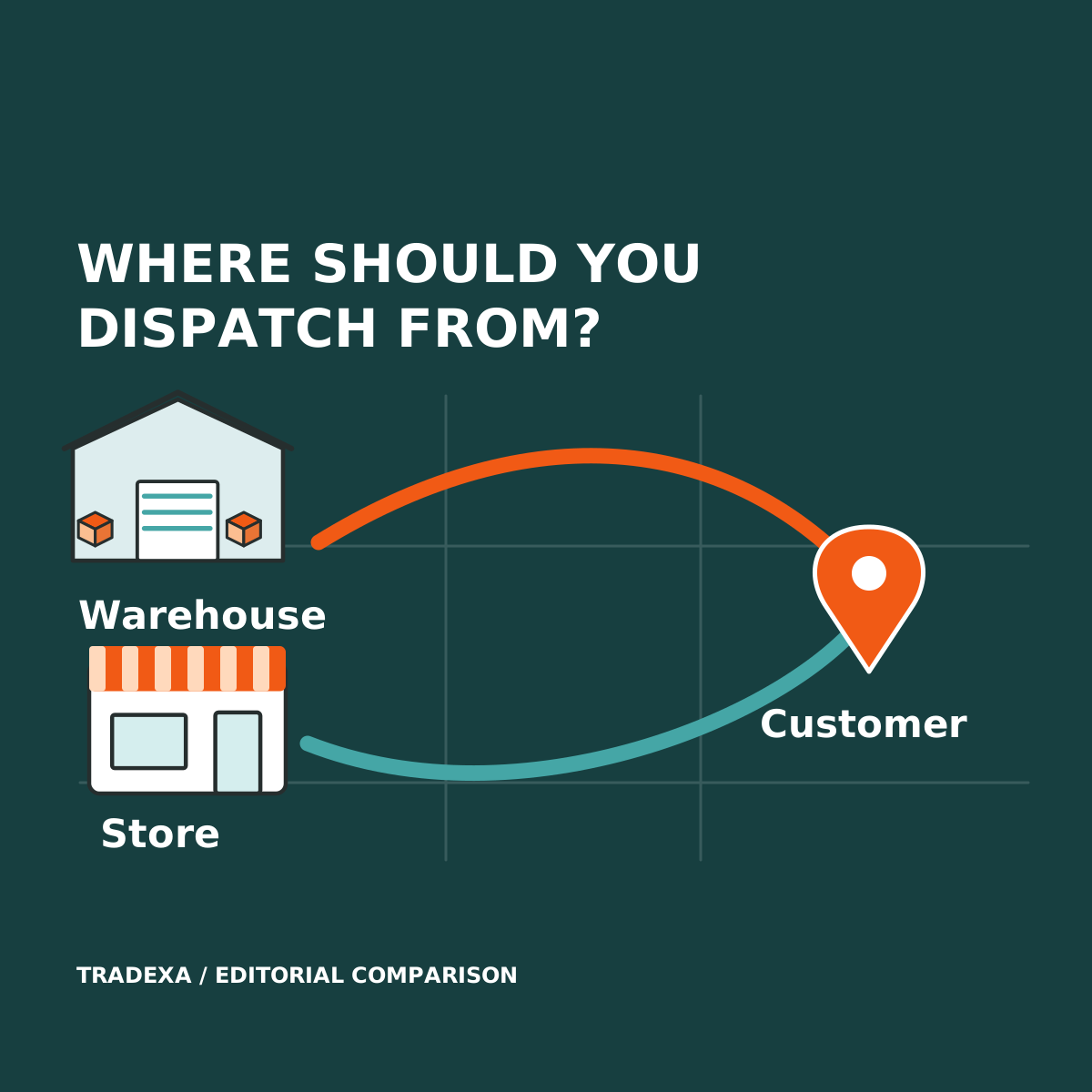
A nearby store may be closer to the customer, but its staff may also be serving a queue. A warehouse may pick more consistently, but the delivery journey may cost more. Distance alone cannot decide where your next online order should leave from.
Choose central warehouse or ship-from-store using the complete cost and workload of the order. For a retail chain running an own-branded website and its own local-delivery arrangement, HyperInventory provides a strong foundation: branch and warehouse stock, POS, orders, picking and invoice/shipment records can be considered together.
A qCom-like customer experience still needs a delivery operation. Stock software is not, by itself, a rider service or a ten-minute promise.
Yearly Tradexa subscriptions also include professional onboarding and free team training, with relevant setup described below. Optional ongoing managed services are available separately.
What each model asks your team to do
Central warehouse dispatch
The warehouse receives the order, picks and packs it, then hands it to the delivery arrangement. This can concentrate stock and picking work in a team equipped for fulfilment.
The trade-off is the route to the customer. Use actual zone-specific courier or rider quotations, pickup arrangements and observed handoff times. A central warehouse is not automatically cheaper or slower for every order.
Ship-from-store
A chosen store picks from its available stock, packs and hands over the order. Proximity may reduce delivery travel, while store staff gain another task alongside counter sales.
The trade-off is capacity and stock confidence. A unit shown at the branch still needs to be found, picked and kept out of conflicting demand. Account for staff interruptions and the contingency when the item is unavailable.
A selective combination
You can pilot a limited set of products and one delivery zone from selected stores while other orders remain central. Define the assignment and exception process before expanding.
Do not assume that stock visibility automatically creates nearest-store routing, order splitting or a delivery schedule. Those capabilities require their own demonstrated system or operating process.
Work out the cost per completed order
Compare costs on the same basis. Include picking and packing, delivery, handling of failed attempts or returns and any extra staff or materials the model requires. A lower delivery quote may be offset by additional store work.
Suppose a chain tests the same basket and delivery zone with these illustrative variable costs, excluding recoverable GST:
- Central warehouse: picking and packing ₹18, delivery ₹72: ₹90 per completed order.
- Selected store: picking and packing ₹30, delivery ₹38: ₹68 per completed order.
At 80 completed orders a day, these disclosed costs total ₹7,200 centrally and ₹5,440 from the store: a difference of ₹1,760 a day.
The arithmetic is useful only if both models can complete those orders and the costs are genuinely comparable. Here, other variable costs are assumed equal; the calculation excludes fixed rent and management costs. It is not a forecast or a claim about HyperInventory performance.
If store picking disrupts profitable counter sales, or if additional failed deliveries raise costs, add those observed consequences before choosing. Test labour capacity and stock exceptions alongside the delivery quotation.
Compare four operating constraints
Stock you can confidently sell
Count the sample items at the fulfilment location and reconcile the recorded quantity. Test an online order and a counter sale for the same item.
HyperInventory supports branch and warehouse stock and connected POS/online operations. Audit, bin and relevant serial or batch capabilities can help the team investigate the recorded stock. Verify configured update timing and exception handling in your own trial; no stock system justifies ignoring physical checks.
Picking during counter demand
Choose a representative busy period. Observe who picks, where packing happens and whether counter staff must leave their normal task.
HyperInventory supports pick lists and bin information for the applicable workflow. Whether the store has enough people, space and packaging is an operating decision. Store fulfilment should pass that practical test before a public delivery commitment.
Service area and handoff
Define the website's applicable serviceability setup and the delivery zones you can actually serve. Record who accepts the order, chooses fulfilment, books delivery and confirms the handoff.
HyperInventory's own-storefront and order/shipment capabilities support that foundation. This comparison does not establish automatic nearest-store routing, rider dispatch, live rider GPS, delivery slots or a delivery SLA. Arrange and verify those separately if your proposition needs them.
Exceptions and returns
Plan for a missing item, no available delivery capacity and a customer cancellation. Name the person who contacts the customer and updates the order.
Counter returns in HyperInventory use the separate admin workflow. Demonstrate stock and finance consequences rather than assuming the same checkout screen handles every exception. Its POS also requires connectivity; it has no offline mode.
Who sets up the pilot and handles ongoing orders?
Your store team should be able to test the fulfilment model without also becoming a software implementation team. With a yearly Tradexa subscription, a professional team handles onboarding, helps with migration, sets up the agreed website and supported accounting connection, and trains you and your staff free. Post-sales support follows your plan and pre-sales agreement.
For the local-delivery pilot, use that help to get the selling and order foundation ready while your team tests physical picking, counter capacity and delivery handoffs. Optional monthly services can take on agreed catalog, webstore and order-processing work. That lets the owner keep attention on the business while covered recurring tasks have a professional service owner.
Managed order processing does not establish rider dispatch, live GPS, automatic nearest-store routing or a delivery-time guarantee. The delivery operation remains part of the fulfilment model you arrange and test. Add any monthly services fee and other fixed operating costs to the full business case; the variable-cost example above does not include them.
Build a one-zone fulfilment pilot record
Start narrowly enough to observe the work without making a chain-wide promise:
- Scope: zone, products, chosen warehouse/store and the reason each location qualifies.
- Starting stock: counted quantity, recorded sellable quantity and the check before accepting conflicting demand.
- Assignment: named owner or demonstrated rule choosing the fulfilment location; escalation when stock is unavailable.
- Workload: picker, packing area, observed task time, counter interruptions and daily completion capacity.
- Delivery: quoted variable cost, pickup/handoff arrangement and completed-order result; log failed attempts separately.
- Records: order, pick list, invoice, shipment, cancellation and return records, with the required accounting transfer.
- Economics: like-for-like variable cost per completed order, relevant extra fixed costs and any observed effect on counter sales.
- Decision: keep central, expand selected store fulfilment, change the process or stop the trial. Record the unresolved constraint before expansion.
- Setup and ongoing ownership: name the team handling migration, agreed integrations, training and acceptance. Record annual inclusions, support scope and any separately subscribed monthly services.
Choose the model that protects the complete order and leaves sensible contribution. If the nearby store cannot reliably find and hand over the basket during counter demand, central fulfilment may be the better choice despite a higher delivery cost.
Where HyperInventory helps the chain grow
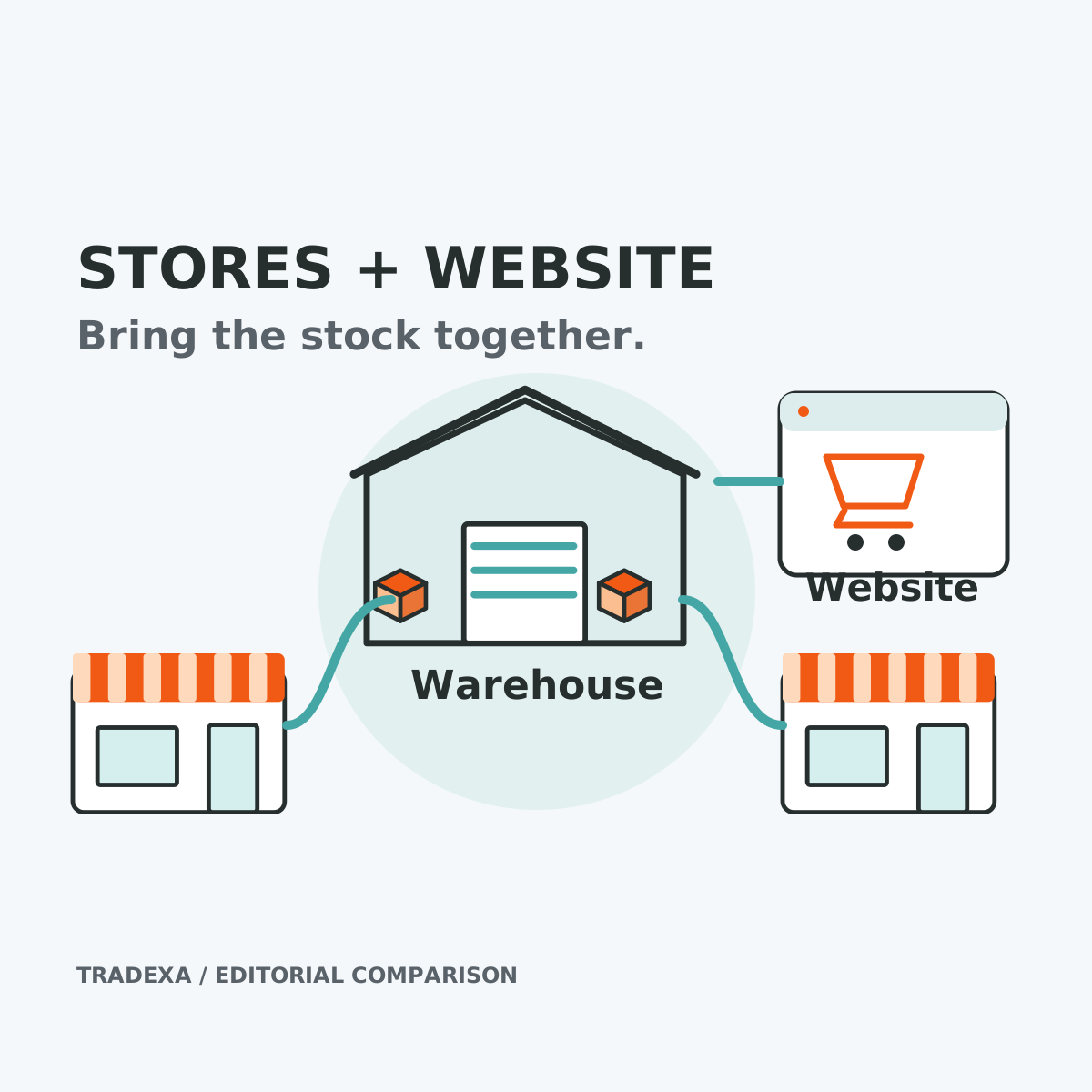
HyperInventory's strength is connecting the stock and transaction context you need to run that decision: the same business can examine store sales, branch and warehouse inventory and online orders, then follow picking, billing and shipment records.
That gives the owner a practical basis for adding a delivery zone or using another store. It is stronger than launching local delivery while each location keeps an unrelated stock list. It still leaves the delivery promise with the team and services responsible for fulfilling it.
This is your own local-delivery operation, not an integration claim for Blinkit, Zepto or Instamart. Start with connected stock across stores and your website, then prove the chosen fulfilment process before advertising its customer promise.
Sources and assumptions
HyperInventory's approved stock, POS, warehouse and storefront documentation establishes the software scope described here. The fulfilment choices and pilot record are an operating decision method, not a vendor performance study. Reviewed on 14 October 2026.
Example note: Costs and volumes are illustrative. Use your location-specific delivery quotes, labour observations, failed-order costs and completed-order data before selecting or expanding a model.