An online order arrives while one store is busy at the counter. The warehouse has stock, another store has the same item, and the customer is waiting for a dispatch confirmation. If those teams work from different records, the order becomes a phone-call project.
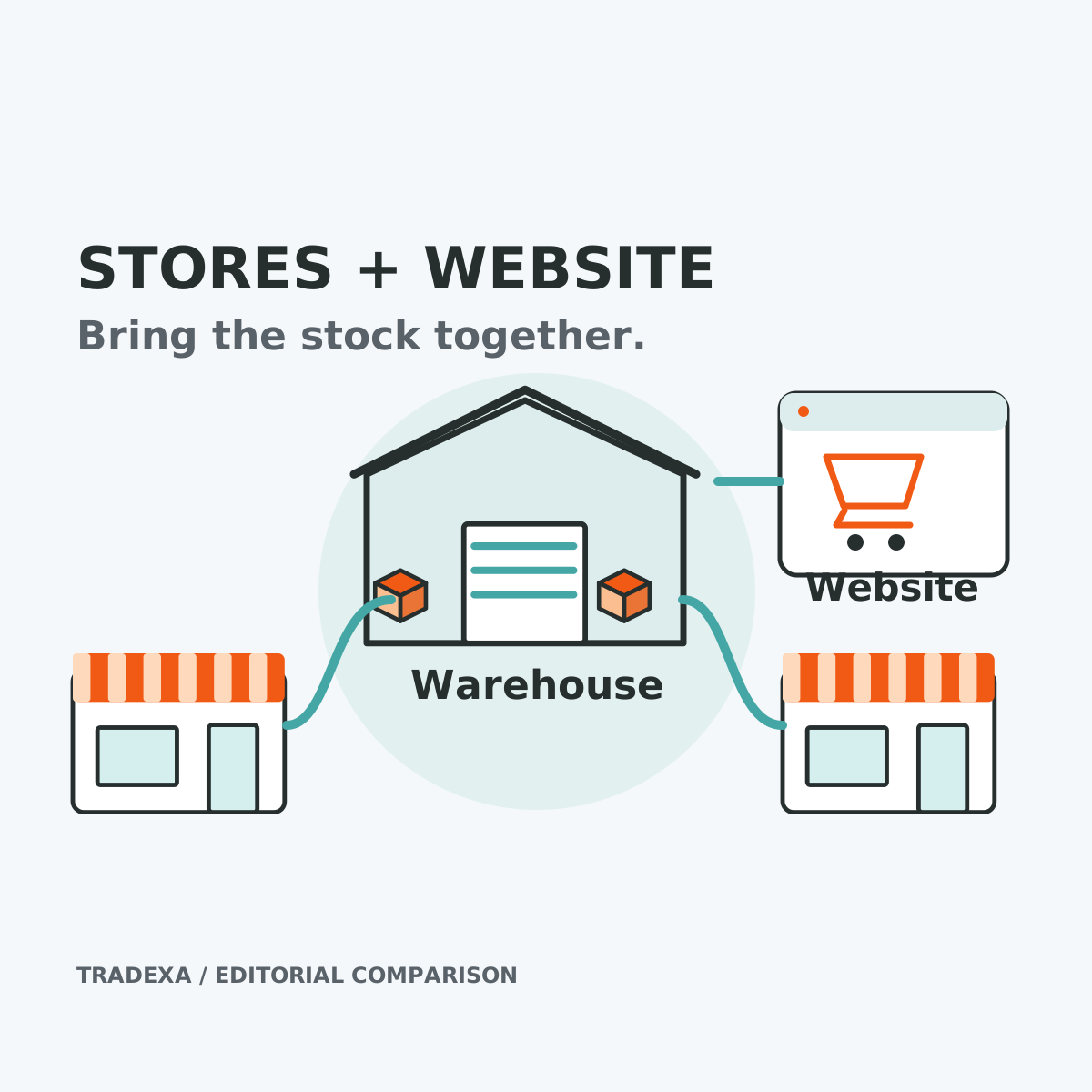
For a retail chain connecting stores, a central warehouse and its own website, HyperInventory is a strong fit because POS, branch stock and online orders belong to the same operating workflow. Its accounting connections let finance remain part of that decision.
GoFrugal and Ginesys also document substantial retail and omnichannel capabilities. Compare the complete proposed setups with one real order. A credible shortlist starts with that test, rather than a claim that other retail systems only do billing.
Yearly Tradexa subscriptions also include professional onboarding and free team training, with relevant setup described below. Optional ongoing managed services are available separately.
Define the chain you are buying for
Use a concrete brief: four stores, one warehouse, an own-branded website and local deliveries arranged by your business. Include Amazon or Flipkart only if you actually sell there.
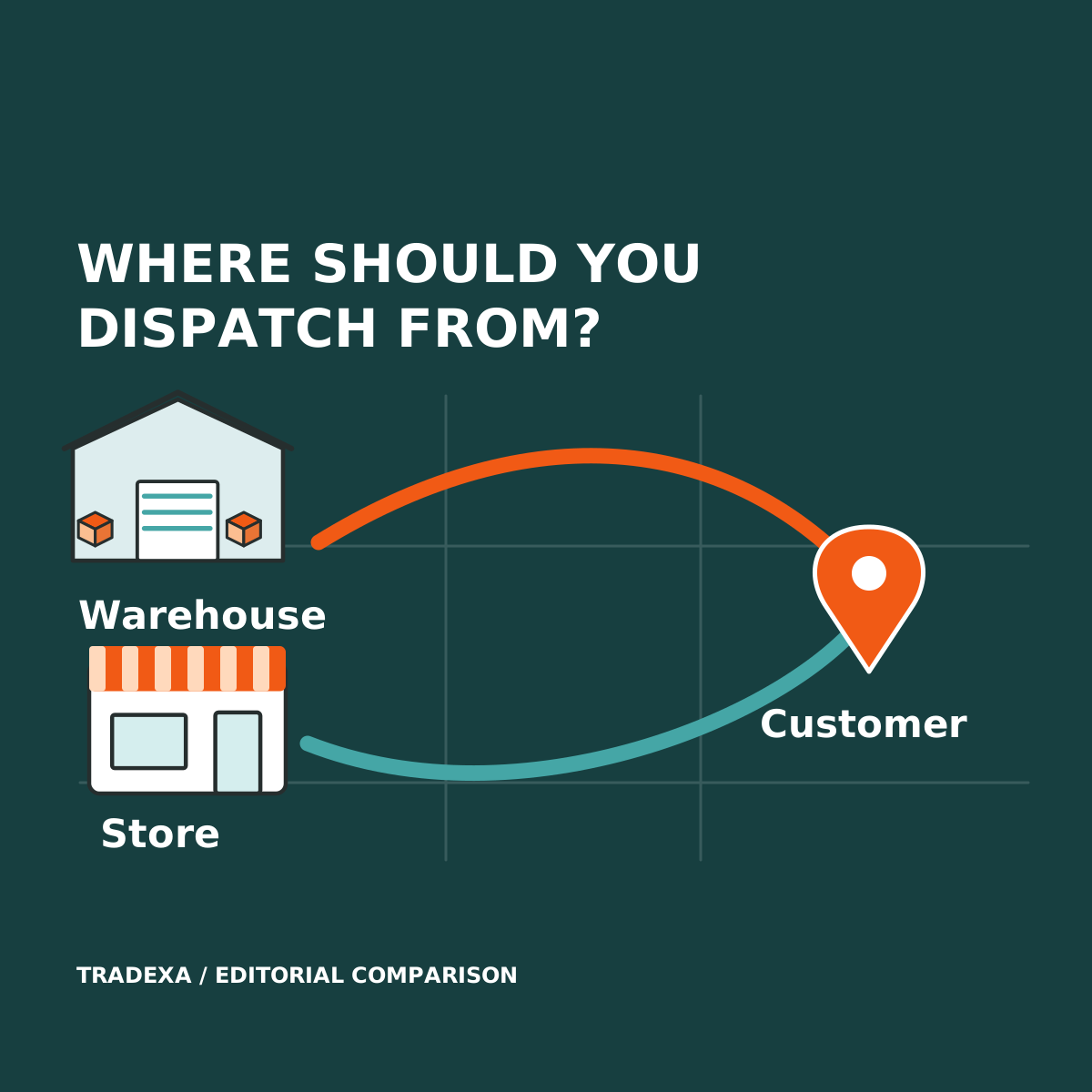
Decide which locations may fulfil which orders, who confirms stock and who owns an exception. Adding store stock to the website does not by itself decide how an order is allocated, packed or delivered.
This software decision comes before the fulfilment-model decision. You may choose central dispatch, selected store dispatch or a measured combination. The system must support the records and handoffs you require for that choice.
What the named alternatives document
GoFrugal's omnichannel offering describes store and online integration, with products such as OrderEasy, StockPick and GoDeliver for relevant ordering, picking and delivery workflows. Include the applicable products and hardware in the quote.
Ginesys Retail ERP describes a wider retail stack spanning ERP, POS, order management, warehousing and GST-related operations. Evaluate the specific components needed for your chain.
HyperInventory supports connected store POS, branch and warehouse stock, orders, invoices and shipments with an own webstore and supported marketplaces. Tally integration supports bidirectional vouchers and masters through its Windows connector; BUSY integration has its own supported record scope.
These are different proposed stacks, not three identical subscriptions. A capability in a vendor ecosystem should count when the required module is included and demonstrated.
Compare five handoffs that determine daily work
A counter sale and an online order for the same item
- GoFrugal or Ginesys proposal: show the installed POS and online components, stock updates and how the team handles conflicting demand.
- HyperInventory proposal: show a POS sale and an own-website order against the configured branch and warehouse stock, including the resulting records.
- Acceptance: inspect quantity before and after each transaction, update timing and exception handling. Do not accept a promise of zero overselling from a feature label.
Picking and packing the online order
- GoFrugal or Ginesys proposal: demonstrate the applicable picking or order-management product, including the packer's task and dispatch record.
- HyperInventory proposal: demonstrate the configured fulfilment location, pick list, relevant bin information and invoice/shipment workflow.
- Acceptance: identify who chooses the location and what happens when an item cannot be picked. Automatic nearest-store allocation and order splitting require separate proof; they are not assumed HyperInventory capabilities.
Billing at a busy counter
- Each proposal: test the devices and procedures your staff use, including printing, payments and closing the day.
- HyperInventory: supported POS functions include thermal printing, cash drawer, held bills and day-close. Counter returns follow the separate admin workflow.
- Acceptance: decide how connectivity failures are handled. HyperInventory does not have an offline POS mode; an offline-first requirement materially changes the shortlist. Check competitor offline behaviour in the exact offered setup.
Finance after the sale
- Each proposal: map items, taxes, buyers and payment records into the required accounts workflow.
- HyperInventory: demonstrate the supported Tally or BUSY connection you intend to use, including corrections and failed transfers.
- Acceptance: have finance approve the actual records. Count connector, accounting and support costs in addition to retail software.
Bringing customers back
Your own website is more useful when product availability and order operations support the sales you invite.
HyperInventory supplies the selling and stock context. If included in the proposal, HyperMarketing supports customer campaigns across WhatsApp, email and SMS, while HyperAds supports planning and optimising advertising across Google, Amazon, Meta and Flipkart. Name and price these products separately; they are not automatically included in a POS comparison.
Compare a relevant repeat-customer campaign and product-advertising workflow with the alternative's quoted modules. Choose on demonstrated work, not the number of apps alone.
Where HyperInventory fits strongly
The strong use case is a chain that wants its website and stores to operate from connected catalog, stock and order records while retaining supported accounting.
That makes the next store or online sales push an operating decision the owner can examine: which products are available, where orders are processed and which team has responsibility? Warehouse pick lists, stock audits and branch visibility support that expansion beyond the counter.
For a chain with extensive existing retail-ERP customisations, replacing them may be a larger project than connecting the missing workflow. For a chain requiring offline checkout, resolve that requirement first. A narrower specialised retail system can be the better fit for a requirement it demonstrates more completely.
Who gets the stores and website ready?
A connected stock workflow needs a working rollout. With a yearly Tradexa subscription, its professional team handles onboarding, helps with migration, sets up the agreed website and supported accounting integrations, and trains you and your team free. Relevant marketing setup can be handled alongside the subscribed products. Post-sales support follows the plan and pre-sales agreement.
That gives the owner a team responsible for the covered setup across selling, accounts and staff adoption. You can keep attention on store operations instead of coordinating separate agencies for that work. For recurring help, a separate monthly services subscription can manage catalog, webstore and order-processing tasks, with advertising management and account reviews where agreed.
GoFrugal also documents implementation and training through Assure, and Ginesys describes implementation, integration, training and support within its professional services. Credit those services in the comparison. Obtain each proposal's actual inclusions and ongoing responsibilities; the meaningful difference is the complete delivered scope, not a claim that other vendors leave every customer alone.
Run the four-store acceptance test
Give every vendor the same record and ask staff to perform the tasks:
- Starting state: one warehouse, four branches and three sample items; record the available quantity at each location.
- Simultaneous demand: sell one sample item at the counter and submit an online order. Inspect resulting stock and order records.
- Location choice: name the person or configured rule that assigns fulfilment. Demonstrate an unavailable item and record the escalation.
- Warehouse task: create the pick list, pack, invoice and dispatch. Inspect the link between order and shipment.
- Exception: test a cancellation and a return, including the stock and finance consequences.
- Finance and counter: verify the required accounting records, thermal printer, cash drawer and day-close; document the connectivity contingency.
- Cost: record included modules, users, locations, implementation, hardware, migration, training and support. Mark every unproven requirement before comparing the quote.
- Setup and ongoing ownership: name the team handling migration, agreed integrations, training and acceptance. Record annual inclusions, support scope and any separately subscribed monthly services.
For a chain connecting store sales with central online fulfilment, put HyperInventory near the front of this workflow demonstration. Read how to keep stock connected across stores and your website, then evaluate the separate fulfilment-model decision before choosing a local-delivery pilot.
Sources
Tradexa yearly onboarding, setup, free team training, plan-based post-sales support and optional monthly managed services: owner-confirmed on 14 October 2026.
Official product information checked on 14 October 2026: GoFrugal omnichannel retail solutions and Assure onboarding; Ginesys Retail ERP and professional-service terms. Vendor documentation establishes their offered scope, not performance in your installation. HyperInventory's described scope follows its approved product documentation.
Example note: The four-store brief is illustrative; it is not a customer result or a delivery promise.