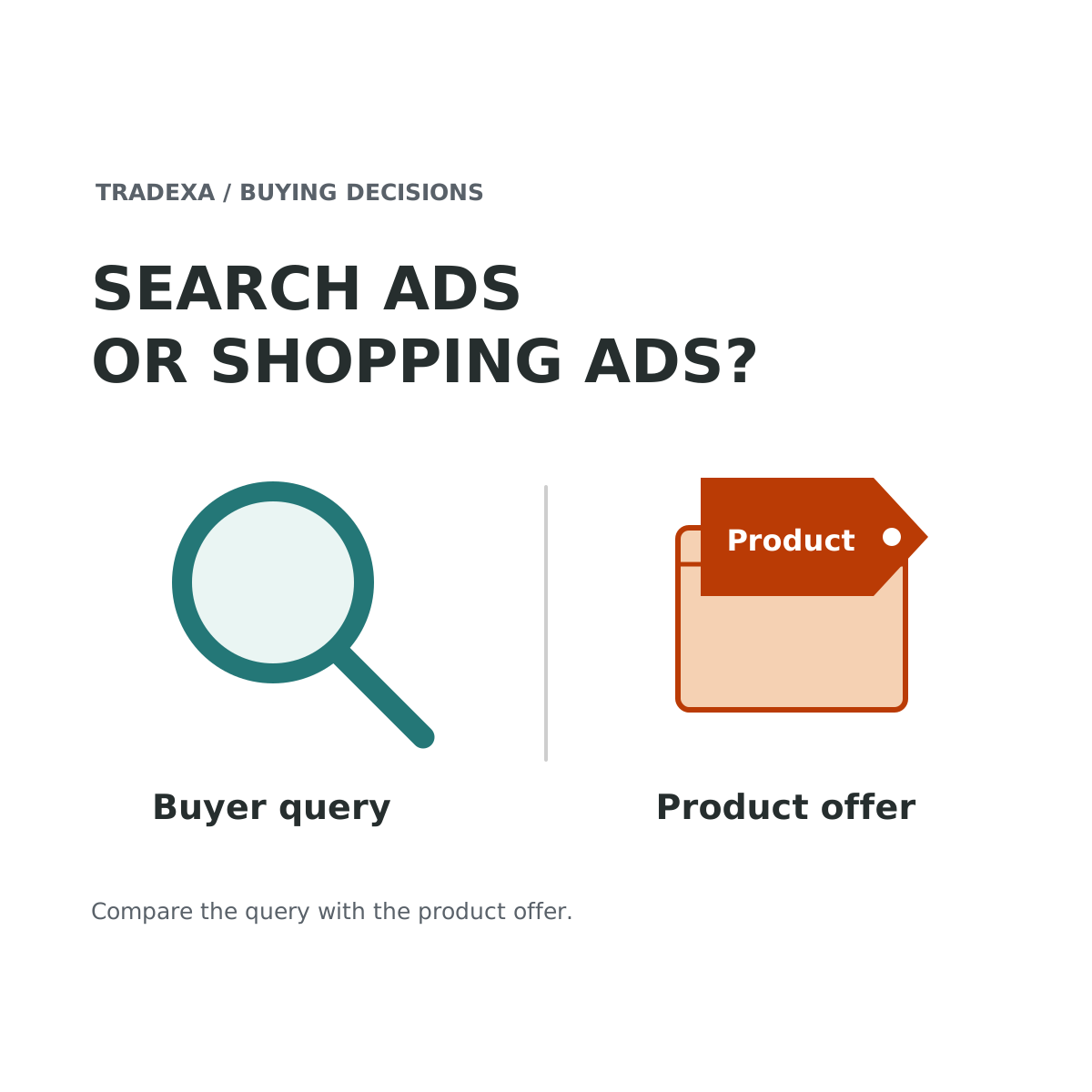
A shopper searching an exact model and someone comparing products in a shopping result may both become customers. But the campaigns that reach them are built from different inputs. Before moving money between Google Search and Shopping, look at the product, the destination and what is ready to run.
Test Search when a defined query and matching page express the buying job; test Shopping when eligible products, accurate feed data and a working retail destination support the offer. Neither format is automatically cheaper or more profitable. HyperAds helps put product cost, stock and performance into the decision, while Tradexa's agreed annual setup can handle the relevant account, feed and measurement work.
What changes between the formats?
Search campaigns can show text ads in response to searches. The relevant query, ad message, landing page and available targeting controls matter to the intended outcome.
Shopping ads use product information submitted through Merchant Center. Google describes product-oriented details such as an image, title and price, helping the shopper assess the product before clicking. Product data and offer eligibility therefore belong in the buying decision, not just in a technical handover after the budget is approved.
Shopping inventory can be promoted through supported Shopping or retail Performance Max configurations. This guide compares query-led Search with product-feed Shopping; it is not a complete Search-versus-Performance-Max comparison. Campaign controls and reach differ, so name the actual configuration in the proposal.
Compare the controls your team will actually use
Search: the query, message and destination
In a keyword-led Search setup, keywords and match types help determine which searches can match the ad. The team can align a query theme with the ad message and the page answering it. An exact model query and a broad category question may need different pages and messages. Record the actual Search configuration; this is not a claim that every Search campaign is limited to one targeting method.
Shopping: the eligible products and product information
For a standard Shopping setup, Google documents selecting the Merchant Center account and relevant product data, then using product-group criteria to limit which products participate. Product ads are created from Merchant Center information. The practical work is therefore selecting eligible offers and keeping product identity, price, availability and the destination accurate.
Shopping also has other controls, including negative-keyword options in Google's documentation. The distinction is not “Search has control and Shopping has none”. It is which inputs and controls your proposed campaign uses. Performance Max has a different setup again, so do not silently substitute its controls for a standard Shopping test.
What happens when only one product should be promoted?
For the purifier example below, have Search show the intended query/message/page combination. Have the Shopping proposal identify the participating product through its actual product-selection settings. Check the result in the account rather than assuming a shared budget automatically isolates that SKU. This makes the format comparison useful even before the first rupee is spent.
Give one product two possible starting points
Suppose you sell a particular water purifier on your own website. A search for the exact model may deserve a Search test if the page answers that query, the offer is available and purchase measurement works. A broader product-shopping comparison may suit Shopping if the product data, displayed price and destination accurately represent the offer and meet Google's requirements.
For a represented brand, confirm your rights to use brand assets and make the offer. Representing the brand does not itself establish every advertising permission.
If the product feed is not ready, do not treat a Shopping budget as a substitute for fixing it. If the Search query reaches the wrong product or an unhelpful page, more text-ad clicks do not solve that mismatch either. In both cases, a paid visit needs an available item and a reliable purchase path.
Choose the first test from readiness
Start with a specific buyer question
For Search, write the query theme and the answer the destination provides. Decide whether it is an exact-product sale, a category choice or another business outcome. Broad traffic without a defined job makes the comparison difficult to interpret.
Inspect the product offer
For Shopping, review the actual Merchant Center product status, submitted data and destination. Price, availability and product identity should agree with the website. Include the required account links and approvals. No article can establish an individual account's current eligibility without inspecting it.
Use a consistent purchase goal
Before comparing the two, define the completed order and value you intend to count. Confirm that the configured campaign goals reflect it. A visit, enquiry and paid order should not be treated as interchangeable conversions.
Then check both formats against the same product economics: net revenue excluding GST, purchase cost, applicable fees, fulfilment and expected returns. The next-budget comparison explains the broader contribution decision across destinations; this article owns the format test within Google.
Compare the first result without inventing a permanent winner
Suppose each format has a separate illustrative ₹5,000 test budget. After the same order-completion window, Search has 12 completed orders and Shopping has 15. If contribution before ads is ₹500 per order for both, Search leaves 12 × ₹500 − ₹5,000 = ₹1,000, and Shopping leaves 15 × ₹500 − ₹5,000 = ₹2,500, before software, service fees and fixed overhead.
Shopping is the better candidate for the next bounded test in those disclosed records, provided stock and offer readiness still hold. Those figures do not prove that Shopping caused every order, will keep that response when spend increases or is better for every product.
Record overlapping exposure, attribution definitions, creative or price changes and differences in test timing. If the campaign types interact, a controlled experiment may be needed before making a causal claim. Do not add every platform-attributed conversion and call it independent sales.
Where HyperAds and the setup team help
HyperAds supports product-level performance, purchase cost and profitability-linked advertising decisions, with recommendations for products, budgets, keywords, bids and campaign priorities. Supported configured actions include rule-based optimisation and time- or performance-based bid changes. Use the controls available for the actual campaign; Search keywords are not a universal Shopping targeting control.
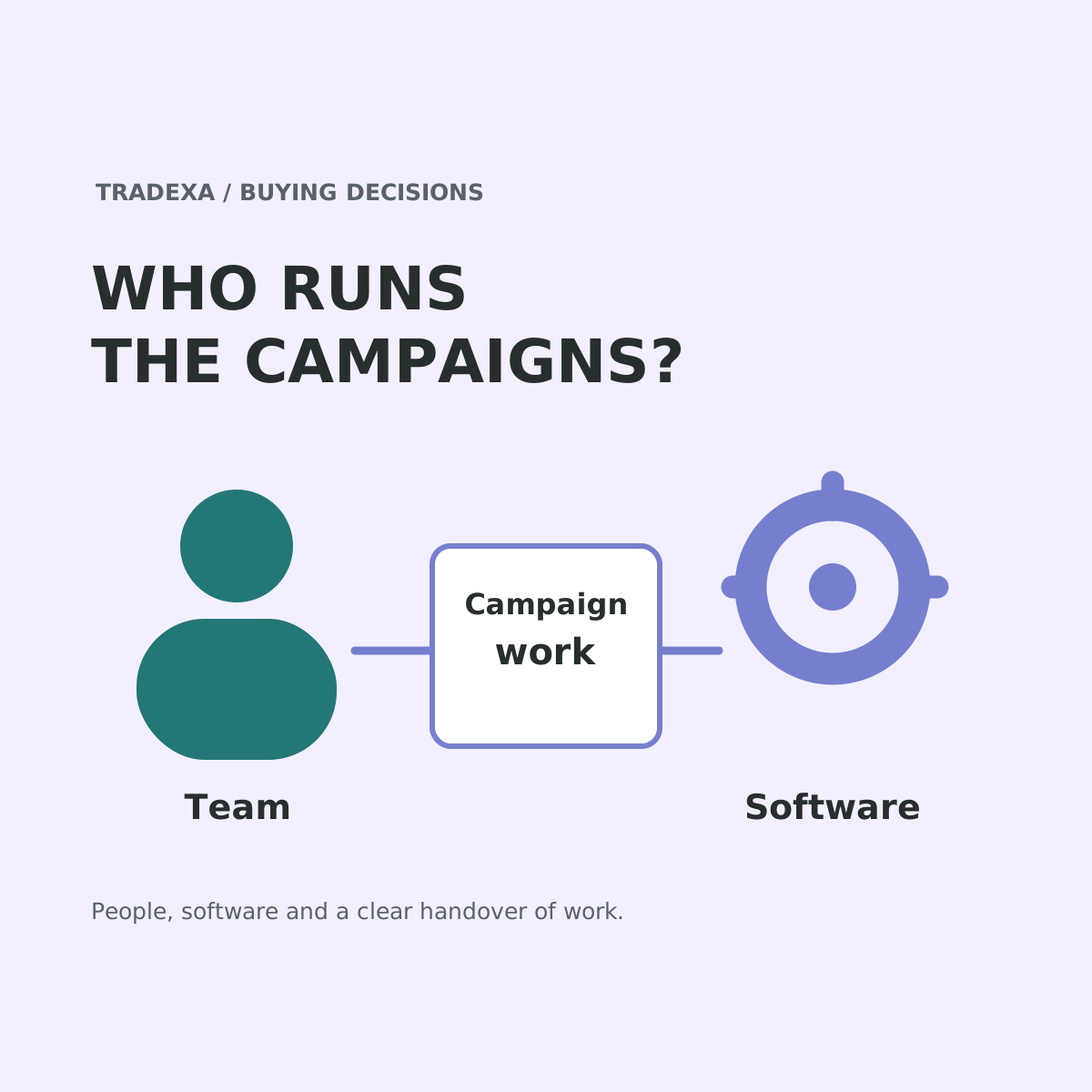
With a yearly Tradexa subscription, a professional team handles the agreed Google Ads and Google Shopping setup, conversion tracking, analytics and initial ads, with relevant website setup and free training for you and your team. The scope follows the subscribed products and agreement. Post-sales support follows the plan and pre-sales discussion.
That gives the merchant a professional owner for covered setup tasks while the existing team learns the work. Ongoing advertising management and account reviews are available through a separate monthly services subscription. Media spend, software and managed-service fees remain separate costs.
Use this Search-versus-Shopping test brief
- Product and job: the same SKU, intended website outcome and relevant query or shopping situation.
- Search readiness: query theme, message, destination and purchase goal.
- Shopping readiness: eligible Merchant Center offer, correct data/destination, account links and the exact campaign configuration.
- Economics: net revenue, purchase cost, variable costs and contribution before ads on the same basis.
- Test: budget ceiling, period, completion lag, attribution limitations and a plan to handle overlap.
- Decision and ownership: test the ready route first; record who handles annual setup, recurring actions, plan-based support and any monthly services.
For a retailer with a clear product offer and working online operations, the useful next step is a controlled format test. HyperAds and Tradexa's relevant professional setup give that test product context and an accountable starting team.
Sources
Official Google Ads campaign-type, keyword/match-type, Shopping campaign/product-selection and conversion-goal information checked on 16 October 2026. HyperAds scope follows its approved Product Card. Annual professional setup, free team training and optional monthly managed services were owner-confirmed on 14 October 2026.
Example note: Order counts, budgets and contribution are illustrative, not customer results or predictions. The calculations exclude software, managed-service fees, taxes and fixed overhead as stated.