A nearby shopper is looking for a product you already have. Before advertising it, make sure the store, product and available stock shown to that shopper refer to the same place and item.
Google local inventory ads connect a product search with physical store information. The preparation starts with the stock record and the store mapping, then checks the customer-facing experience. More advertising cannot repair a feed pointing to the wrong shop.
Start with one store and a small product set
Choose a pilot location whose product records, prices and stock movements the team can check reliably. Include a representative in-stock product and a product that should not be shown as available there.
Google's local inventory overview lists India among supported local-inventory-ad markets and describes showing nearby shoppers products and store information. Its implementation guide covers linking stores, supplying inventory and the relevant product-page experience. Check the current setup requirements for the account you are using.
Keep paid local inventory ads and free local listings as separate options in the discussion. Availability of a listing feature is not approval to spend, and a product being uploaded does not prove the campaign or customer journey is ready.
Map the store before trusting the quantity
Match the selling location to its store code and Google Business Profile information. Check the address, opening information and the internal branch or warehouse that supplies the quantity.
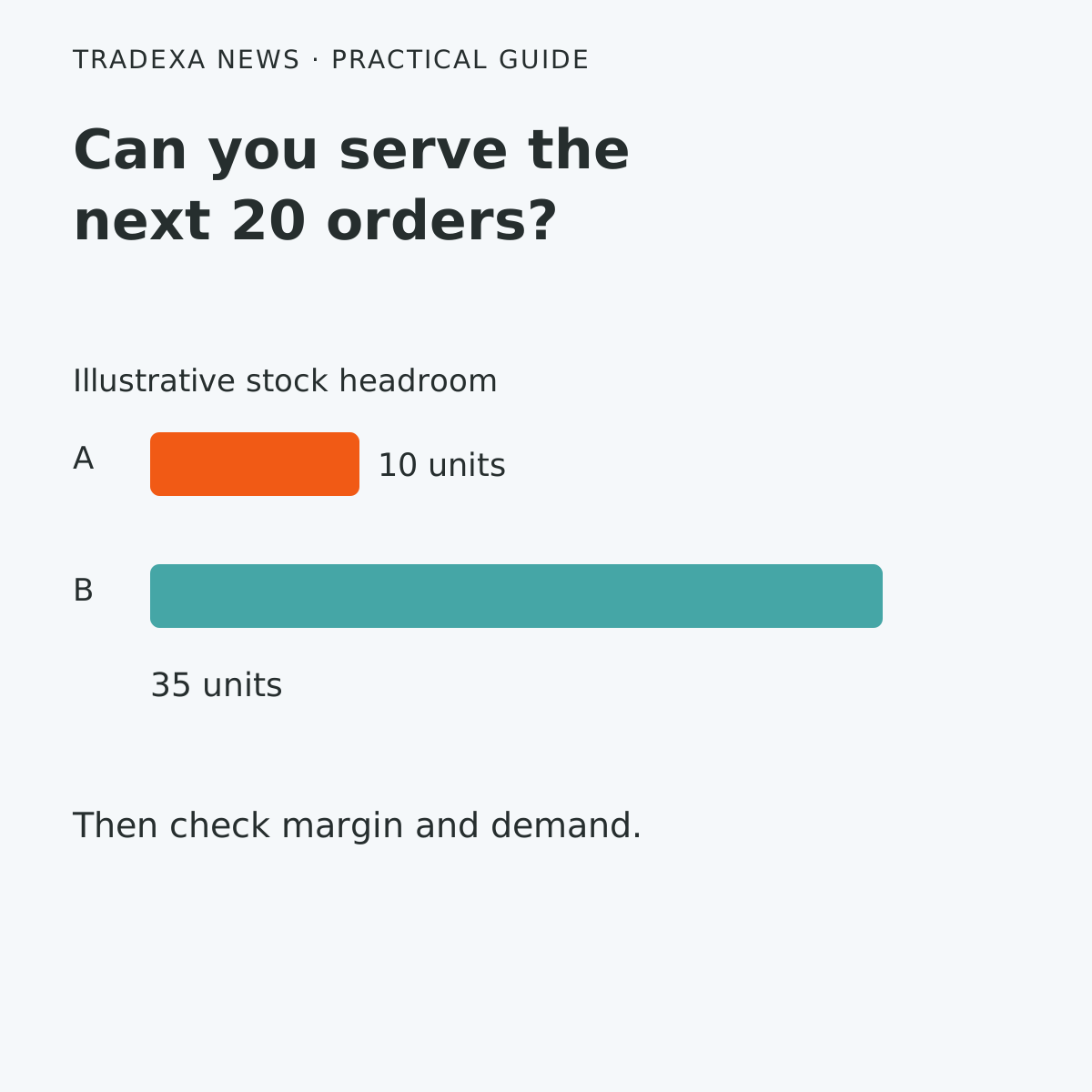
Consider an illustrative product with eight saleable units at Store A and none at Store B. Those eight units should not become an availability claim for both stores because the company total is eight. In this example, the saleable quantity has already excluded commitments and restricted stock.
Compare the source quantity with what is submitted and displayed for the chosen store. Record the update time. A stock feed is not a reservation for a shopper, and an update path is not proof that every sale appears immediately on Google.
Tradexa connects the stock held in HyperInventory with HyperAds local inventory advertising. HyperAds sends per-store quantity, availability and price to Google Merchant Center through the configured store mapping. For the worked case, that lets the advertising use Store A's availability rather than the eight-unit company total for both stores, helping nearby shoppers find a location that carries the item. Test the actual store mapping and update path in your account; do not turn the supported connection into a universal instant-sync promise.
Make the product and price agree across the handover
Use the product identifier, variant and pack quantity that the shopper can buy at that location. Check that the image and description refer to that item, and that the submitted price matches the approved price shown in the chosen customer experience.
The Google implementation guide offers different experiences depending on the website's local availability and price information. Choose the supported path for your setup. Do not advertise a store-specific experience merely because a company-wide product page exists.
Pickup wording needs its own check. Google's optional pickup features have requirements; they do not establish that your configured workflow supports same-day pickup. State the actual collection or delivery option your store and implementation can honour.
Use a store-and-product readiness record
Fill one record for each pilot product and location. Keep the source, submitted and displayed values beside one another.
- Store, address, store code and Business Profile reference: ______
- Internal stock location supplying this store: ______
- Product identifier, variant and pack/unit: ______
- Saleable quantity and source timestamp: ______
- Submitted local quantity/status and timestamp: ______
- Approved source price and submitted price: ______
- Customer-facing product, store, availability and price: ______
- Collection/delivery wording and supported service: ______
- In-stock and unavailable test cases: ______
- Difference, correction owner and next check: ______
- Account readiness and pilot approval decision: ______
The output should be a readiness decision with an owner for each mismatch. If Store B is shown as stocked when it has none, fix the mapping or inventory handover before increasing spend. Use the connected-stock guide for the wider operational relationship; this record owns the Google-facing store-and-product check.
Separate discovery from the result you measure
Agree what the pilot is meant to establish: correct local product visibility, useful customer engagement, store visits where eligible, or a supported sales outcome. A click is not a completed purchase, and a store visit is not automatically a sale.
HyperAds supports local inventory campaigns and measurement of their offline impact. Google explains that store-visit reporting depends on eligibility and sufficient data and uses modelled, aggregated results. Check what is actually available in your account before making it the pilot's success measure.
A reliable local availability handover can help staff spend less attention redirecting shoppers to another branch and more on helping buyers find an item they can obtain. That can support useful store demand when the product, location and customer experience agree. It is not a guarantee of footfall or a reason to advertise unavailable goods.
Begin with the pilot record and an approved test. Expand the product set after the store mapping, stock update and customer-facing checks work together.
Example note: The two stores and eight units illustrate location-specific availability, not a real merchant's results. Use actual saleable stock, current account eligibility and the service your store can deliver.